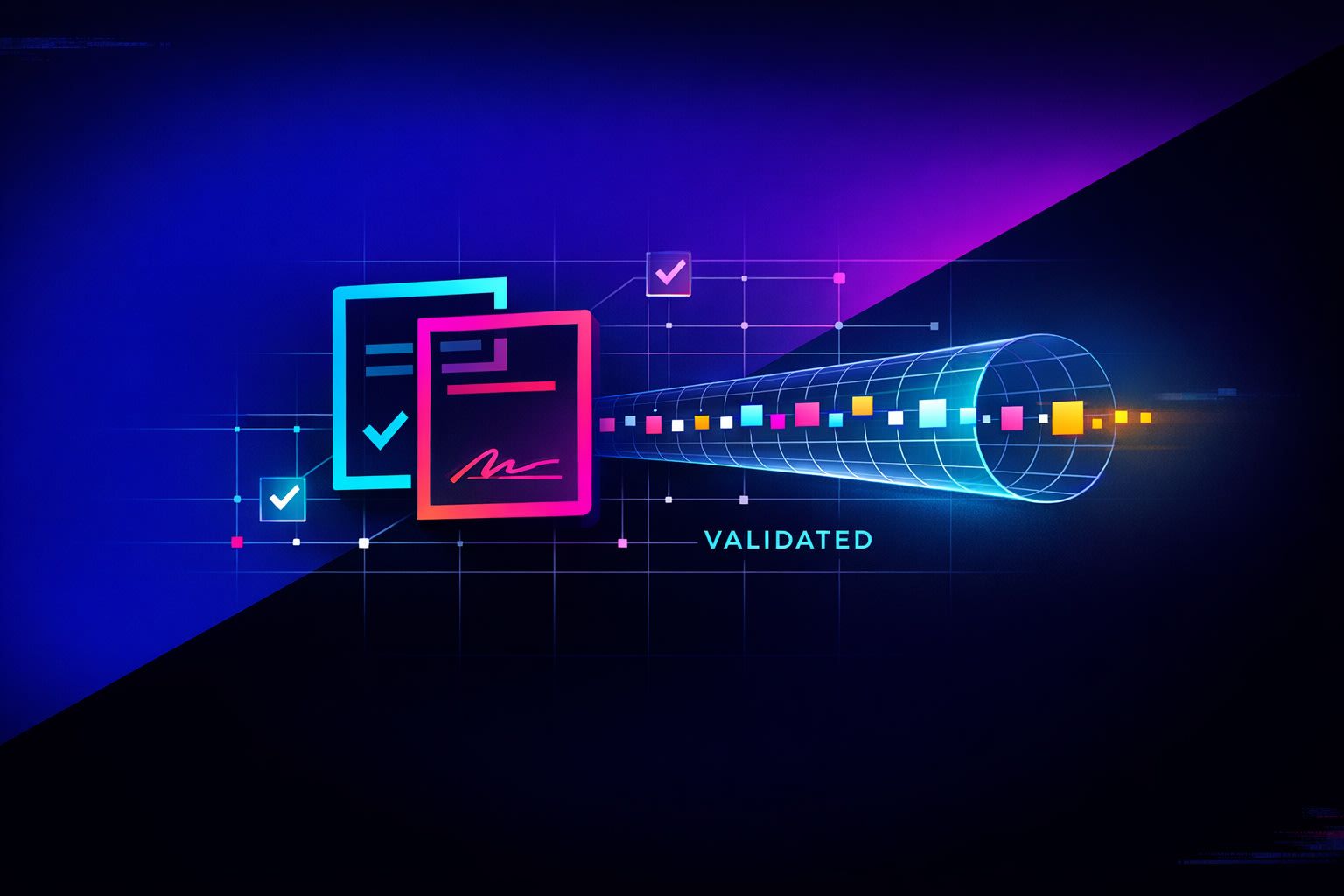
What “LLM-proof” meeting notes actually means
“LLM-proof” doesn’t mean “impossible to leak.” It means your notes are structured so that personally identifiable information (PII) and protected health information (PHI) are removed or minimized before transcripts are reused in downstream AI workflows, shared internally, or indexed for search. The goal is simple: reduce exposure while keeping the record useful for decisions, follow-up, and reporting.
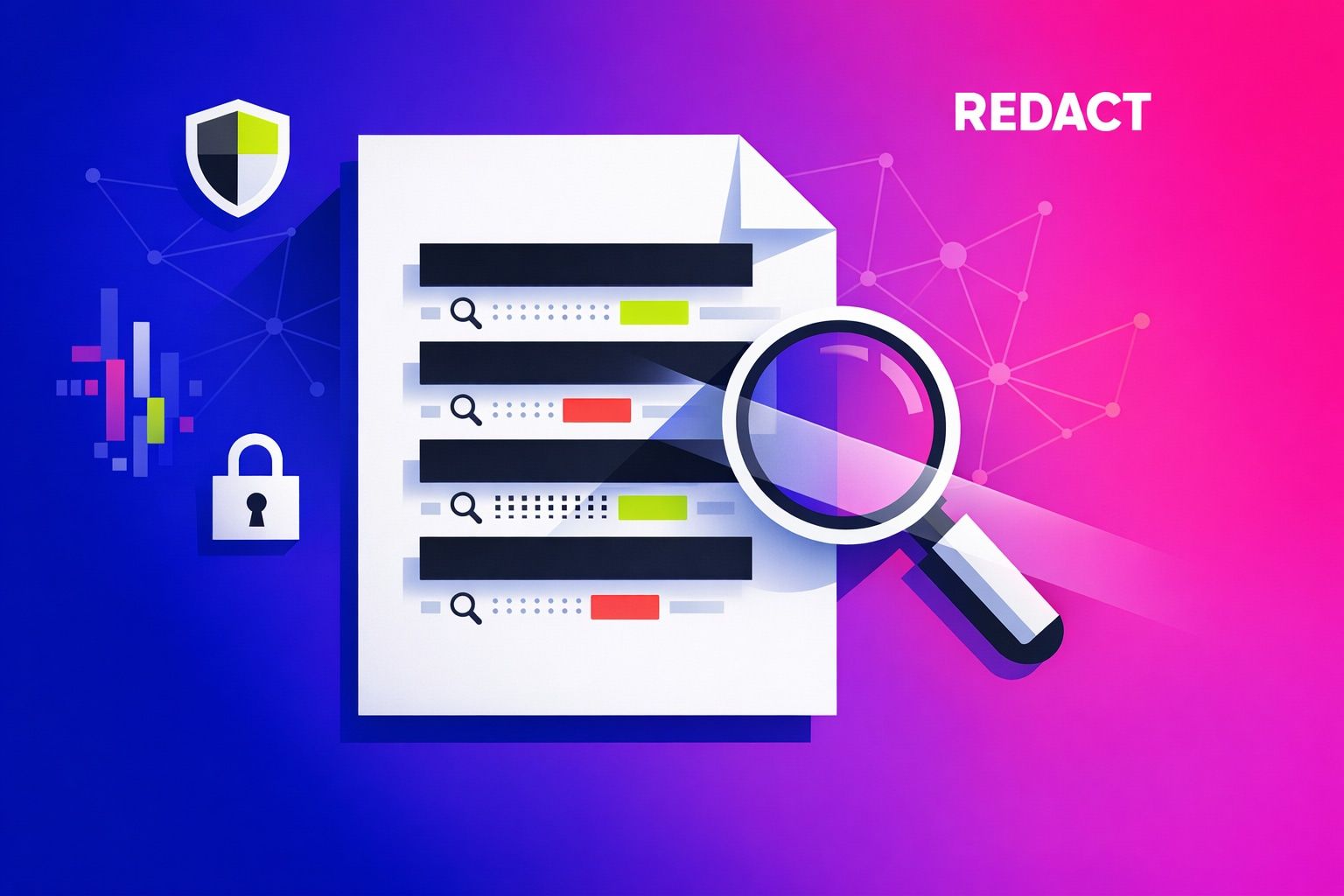
The common failure mode is treating redaction as a last-minute black marker. That breaks search, destroys context, and forces people back into more meetings. A better approach is to redact in a way that preserves meaning and keeps transcripts actionable.
Step 1: Define what you will redact and why
Start with a clear policy that everyone can follow without asking legal for every call. You need two lists: (1) what must be removed, and (2) what can stay if it’s generalized.
Common PII targets
- Full names when tied to sensitive context (use role labels instead)
- Email addresses, phone numbers, home addresses
- Government IDs, account numbers, full payment details
- Exact dates of birth (often replace with age range)
Common PHI targets
- Patient names, medical record numbers, appointment IDs
- Specific diagnoses tied to a person
- Any combination of identifiers + health details that could re-identify someone
Write the rule in plain language: redact direct identifiers, and generalize quasi-identifiers. If you can’t explain it in two minutes, adoption will fail.
Step 2: Redact by replacing with consistent tokens, not blanks
If you remove data by deleting it, you lose the thread and your transcript stops being searchable. Instead, replace sensitive spans with consistent, human-readable tokens. This keeps intent, preserves sentence structure, and allows aggregation.
Token patterns that stay searchable
- [PERSON_1], [PERSON_2] for individuals referenced repeatedly
- [PATIENT] or [PATIENT_3] for clinical contexts
- [EMAIL], [PHONE], [ADDRESS], [MRN]
- [ORG] when a company name is sensitive
- [DATE_APPROX] (e.g., “early May 2026”) instead of an exact date when needed
The key is consistency within a single meeting and, ideally, within a project. “Replace, don’t erase” is what keeps queries effective later.
Step 3: Preserve meaning with “semantic redaction” rules
Some details are sensitive only in their exact form. You can often keep the meeting useful by converting specifics into categories.
- Ages: “47” → “40s”
- Locations: “123 Pine St” → “home address” or “in San Francisco” → “in Northern California”
- Companies: “Acme Corp” → “enterprise customer” (when appropriate)
- Medical details: “Type 2 diabetes” → “chronic condition” if the exact diagnosis isn’t required for the business purpose
This is the difference between compliance theater and a transcript that still supports decisions, coaching, and follow-through.
Step 4: Separate “what happened” from “who it happened to”
To make transcripts safe and still actionable, split your output into two artifacts:
- Redacted transcript: searchable, shareable, broadly accessible.
- Restricted mapping file: the lookup table that maps tokens to real identities (limited access, short retention, audited).
In practice, the mapping file is the riskiest asset. If you don’t actually need re-identification later, don’t keep it. If you do need it, lock it down, time-box retention, and treat it like production secrets.
Step 5: Keep transcripts actionable with structured “decision objects”
Most teams don’t search old transcripts to reread them. They search for outcomes: what was decided, what changed, who owns the next step, and what risk was flagged. So capture that separately from the raw transcript.
Minimum schema to extract from every meeting
- Decisions: one sentence each, date-stamped
- Action items: owner role (not person), due window, dependency
- Open questions: what needs validation and by when
- Constraints: security, compliance, budget, timeline
This is where a meeting assistant like Fathom fits naturally: teams want searchable transcripts, but they also need immediate summaries and action items that don’t require exposing raw sensitive details more widely than necessary.
Step 6: Build a “redaction-first” workflow, not a cleanup project
Redaction works when it’s operational. That means defining when it happens and who is responsible.
A practical sequence
- Capture: record and transcribe as usual.
- Detect: run automated detection for obvious PII/PHI patterns (emails, phone numbers, IDs).
- Review: spot-check high-risk meetings (support calls, healthcare workflows, HR).
- Replace: apply tokenized redaction + semantic generalization.
- Publish: store the redacted transcript in shared search.
- Restrict: store any mapping file separately, or discard it.
If your team struggles to move from notes to execution, pair redaction with a tight handoff process. The most reliable pattern is to convert action items into calendar time blocks and tasks immediately; see the notes-to-time-block workflow for a simple implementation.
Step 7: Make the redacted transcript still searchable
After redaction, test for the queries people actually run. Most organizations only discover “we broke search” after the first incident review or missed follow-up.
Search tests to run on every template
- Topic retrieval: “pricing,” “renewal,” “side effects,” “handoff,” “incident”
- Entity retrieval (safe): role tokens like “[CUSTOMER_ADMIN]” or “[PATIENT]”
- Decision retrieval: “we decided,” “approved,” “blocked by,” “next steps”
Also validate that keyword alerts still work on safe terms. For example, alerting on “refund,” “escalation,” or “security review” should still trigger even when customer identifiers are removed. If you’re building that monitoring layer, the approach in keyword alert systems for customer calls maps cleanly to redacted transcripts.
Step 8: Control access, retention, and exports
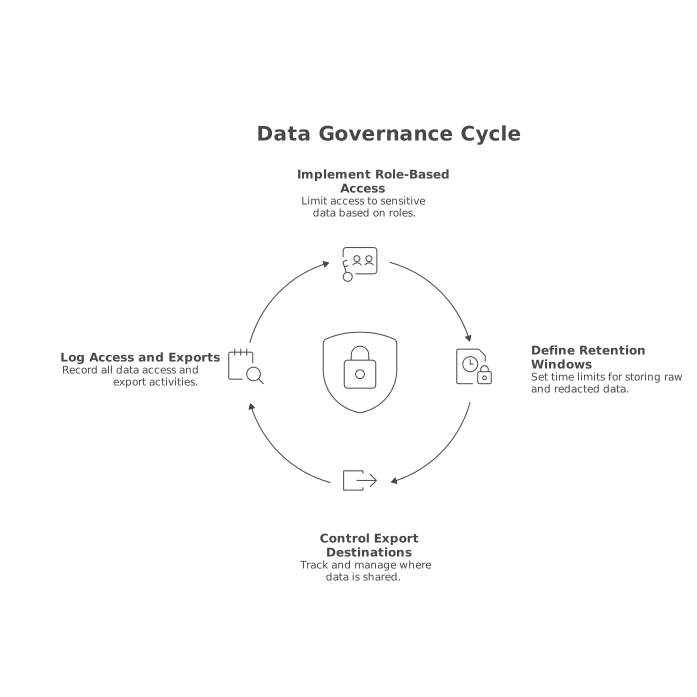
Redaction reduces risk, but it doesn’t eliminate it. Pair it with sane governance:
- Role-based access: limit who can view raw transcripts versus redacted versions.
- Retention windows: keep raw audio/transcripts for the minimum period required; keep redacted summaries longer.
- Export controls: track where transcripts go (Slack, CRM, ticketing) and ensure those destinations match your policy.
- Auditability: log who accessed what, when, and what was exported.
If you operate in regulated environments, look for vendors that emphasize formal controls and security posture. Fathom highlights enterprise features such as SSO/SCIM, configurable retention policies, and compliance alignment, which matter once transcripts become an operational system instead of personal notes.
Step 9: Train the meeting, not just the tool
Even perfect redaction can’t fix a meeting where sensitive details are sprayed unnecessarily. The fastest win is behavioral:
- Use roles instead of names when discussing sensitive cases.
- Move identity verification to a separate channel or form.
- Say “I’ll send that securely” instead of reading identifiers aloud.
This reduces what you have to redact and improves transcript quality at the same time.