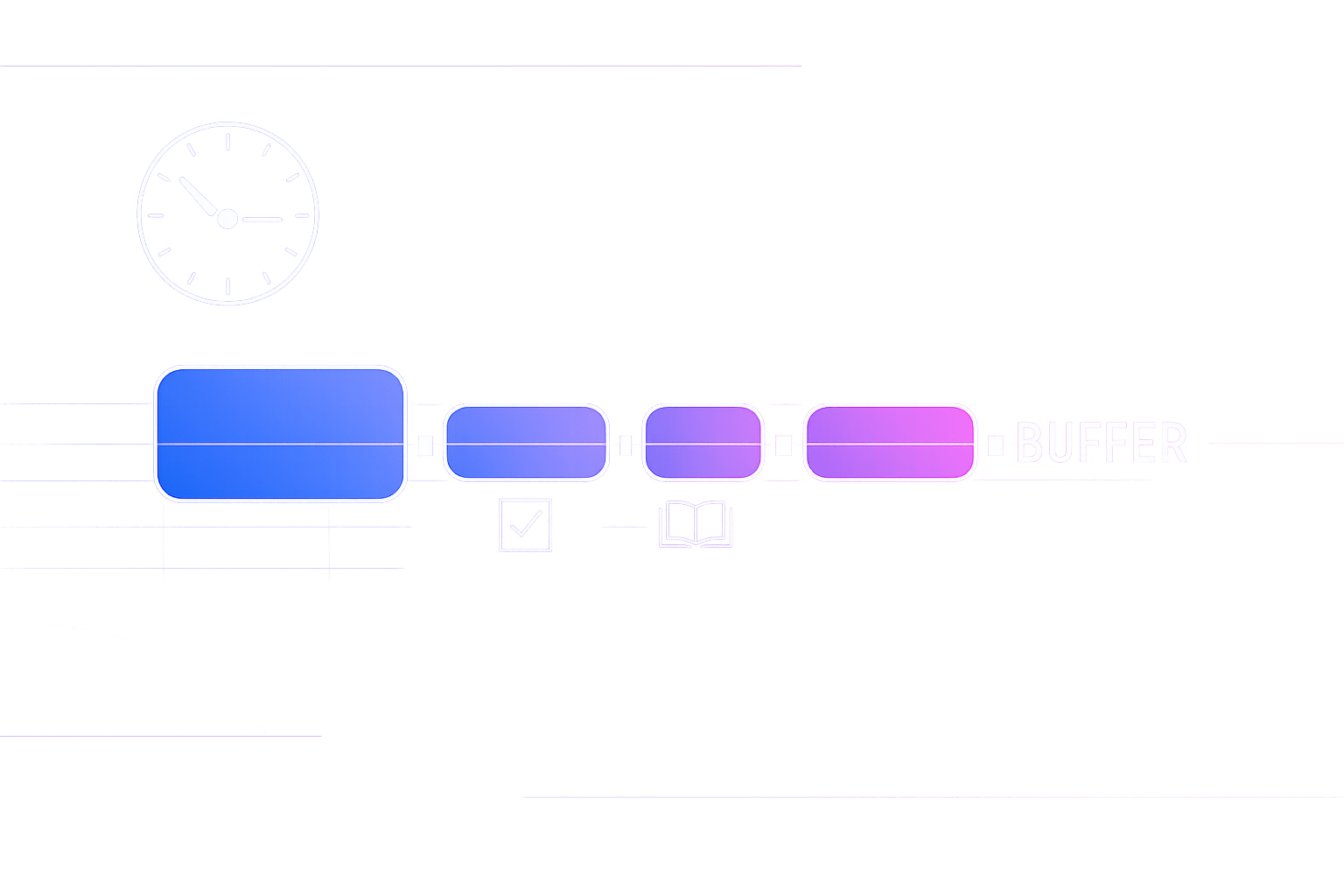
Micro-buffers are the missing layer between your calendar and your task list
Most calendar chaos is not caused by “too many meetings.” It’s caused by meetings touching each other with zero slack. One five-minute overrun triggers a cascade: the next call starts late, notes don’t get written, follow-ups become unschedulable, and your task list drifts into “someday.”
The Meeting Buffer Ledger workflow fixes that by treating small blocks of time as a managed resource. You don’t just “add buffers.” You keep a ledger of buffer minutes, allocate them intentionally, and use them to keep tasks schedulable even when the day shifts.
What a Meeting Buffer Ledger is
A Meeting Buffer Ledger is a lightweight system that tracks three things:
- Buffer inventory: how many minutes of meeting slack you want available per day or per half-day.
- Buffer allocations: where those minutes live on your calendar (before/after meetings, or as pooled blocks).
- Buffer usage: what consumed the buffer (overruns, context switching, notes, task capture, quick decisions).
The point is not to micromanage time. The point is to stop pretending your day runs on perfect edges. Micro-buffers make your calendar resilient, and the ledger prevents you from “spending” that resilience without noticing.
Why calendar cascades happen
Calendars are brittle for three common reasons:
- Zero-transition scheduling: you book meetings back-to-back, but your brain still needs handoff time.
- Hidden work: notes, follow-ups, and decisions happen after the meeting, yet are not scheduled.
- Priority inversion: one late meeting steals time from a higher-value task that was supposed to happen next.
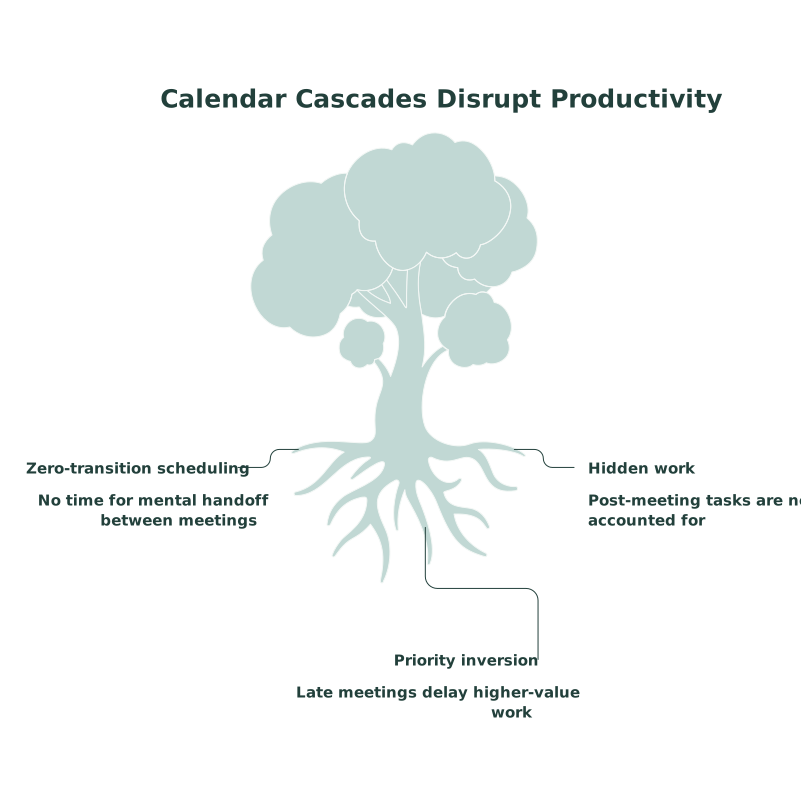
A buffer ledger makes the hidden work visible and schedulable. It also creates a rule for what gets sacrificed when reality hits: you spend buffer first, not your priorities.
Set up the ledger in 15 minutes
1) Choose a buffer budget
Start with a simple daily budget based on meeting load:
- Light (0–2 meetings): 10–15 minutes total buffer
- Medium (3–5 meetings): 20–30 minutes total buffer
- Heavy (6+ meetings): 40–60 minutes total buffer
If you routinely run heavy days, you don’t need superhuman discipline. You need a bigger buffer budget.
2) Pick your buffer type: attached, pooled, or hybrid
- Attached buffers: 5 minutes before and/or after each meeting. Best when meetings vary in importance.
- Pooled buffers: two blocks like 15 minutes late morning and 15 minutes mid-afternoon. Best when your calendar is fragmented.
- Hybrid: attach buffers to critical meetings, pool the rest. Best for most people.
The ledger matters most when you go hybrid. It stops you from sprinkling random buffers that get eaten immediately.
3) Create two ledger rules
- Rule A: Spend buffer before moving work. If you’re late, use buffer minutes first. Don’t reschedule tasks as the first response.
- Rule B: Refill buffer at fixed times. Decide when you “rebalance” (for example at 11:30 and 16:30). Outside those moments, you don’t reshuffle the whole day.
These rules prevent the constant replanning loop that makes time blocking feel impossible.
How to use micro-buffers during real days
Before the meeting: buy clarity for the first 60 seconds
Use a 3–5 minute pre-buffer to do only one of these:
- Open the agenda and write your one desired outcome.
- Pull up the doc or dashboard you’ll need.
- Capture the “parking lot” thought that would distract you.
This reduces the warm-up time inside the meeting and lowers the chance you’ll overrun.
After the meeting: convert the meeting into schedulable work
Post-buffers are where cascades are prevented. Use 5–10 minutes to:
- Write a short decision log (what was decided, by whom, by when).
- Capture follow-ups as tasks with a next action and an owner.
- Schedule the first follow-up action immediately if it matters.
If you skip this step, follow-ups leak into inboxes and chat threads. They become unschedulable because they never become calendar-aware.
When the day slips: the ledger tells you what to do first
When a meeting runs long, do this in order:
- Spend the next buffer (attached or pooled) to absorb the overrun.
- Compress low-value transitions (skip a quick check, defer a minor reply).
- Only then move a time block, and move the smallest block that restores coherence.
This keeps your system stable. The goal is not perfection. The goal is preventing one slip from rewriting the rest of your calendar.
Make the ledger real with calendar-task-note integration
The Meeting Buffer Ledger works best when tasks and notes live next to the calendar, because the buffer is where you convert conversation into action. With Routine, you can time-block tasks alongside meetings and capture meeting notes in the same workspace, which makes the post-buffer step fast enough to actually happen.
Two practical ways to set it up:
- Buffer-as-events: create labeled “Buffer” blocks you can drag when the day changes.
- Buffer-as-time-blocks: reserve short blocks for “Notes + Follow-ups” after key meetings, then drop tasks directly into those slots.
This is also where good note hygiene matters. If your organization needs redaction or sensitive-data handling, build that into your note workflow so post-buffers don’t become risky shortcuts. The ideas in the meeting notes redaction playbook are a good complement when notes must stay searchable but compliant.
Common failure modes and fixes
You create buffers but they disappear
That’s an allocation problem. Switch from “tiny buffers everywhere” to a hybrid system with at least one pooled buffer block. Then protect it like a meeting with yourself.
You have buffers but still feel behind
That’s usually hidden work, not meeting time. Start tracking what buffers are spent on for one week. If most of it is follow-ups and admin, you need explicit time blocks for that work, not just more slack.
You keep rescheduling tasks instead of using buffer
That’s a rule problem. Reinforce Rule A: buffer is the first line of defense. If you always move tasks first, your task system will stop being trustworthy.
A simple weekly review that keeps buffers calibrated
Once a week, review three numbers:
- Meetings per day (average and max)
- Buffer minutes planned vs. buffer minutes actually used
- Top buffer consumers (overruns, notes, decisions, context switching)
Then make one adjustment: increase budget, change allocation type, or add a dedicated follow-up block after the most expensive recurring meeting.
If your broader challenge is too much in-progress work, a buffer ledger won’t fix overload by itself. Pair it with a cap on WIP so meetings don’t generate more open loops than your week can hold. The WIP budget playbook aligns well with that approach.