Why omnichannel breaks in the real world
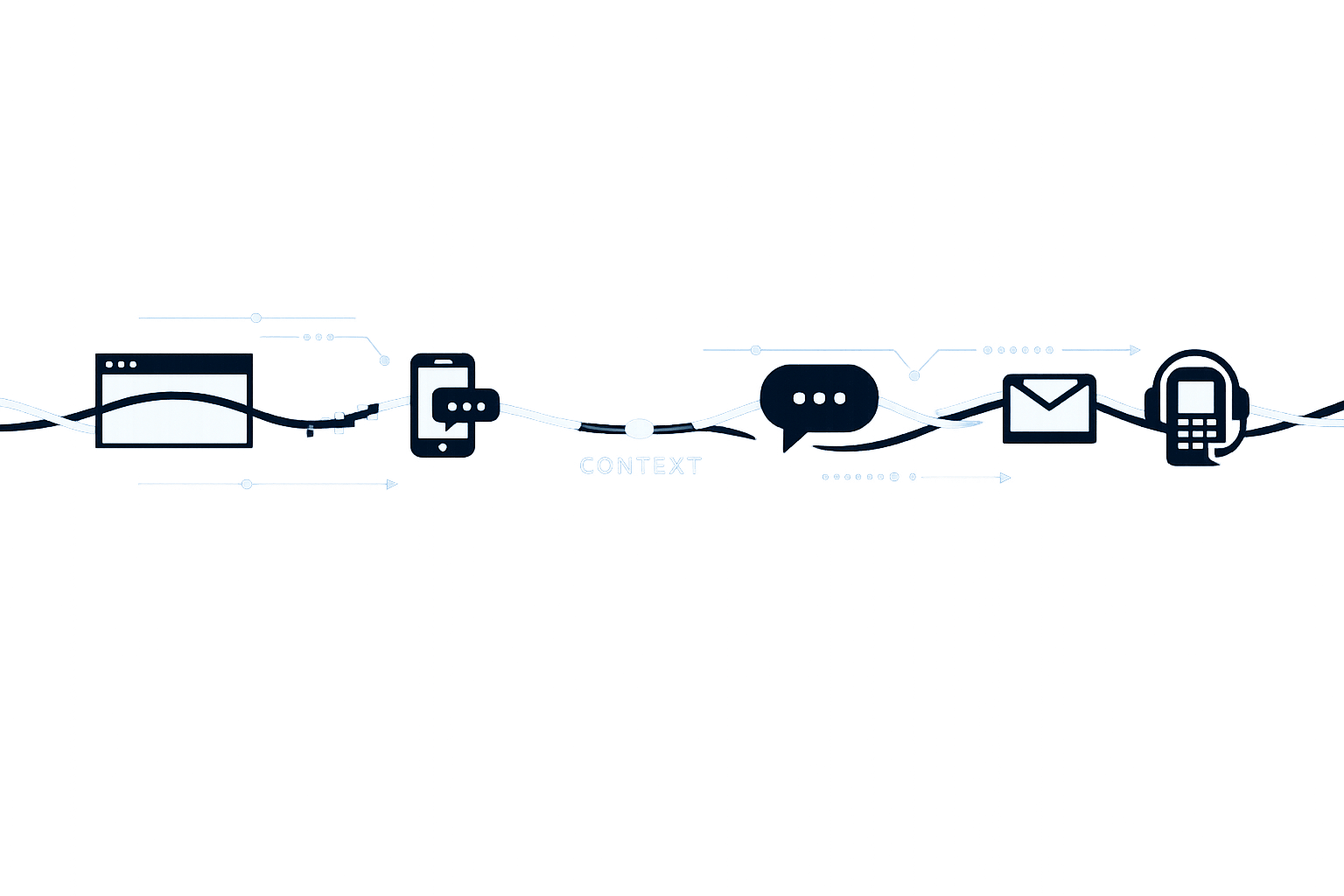
Most “omnichannel” setups work until customers behave like customers. They start in web chat, switch to email, follow up on WhatsApp, then DM on social when they don’t get an answer fast enough. The brand experience feels continuous to them, but the service stack often treats each touch as a new case.
When omnichannel breaks, it’s rarely because you lack channels. It breaks because context doesn’t survive the handoff. Agents lose the thread. Automation triggers the wrong workflow. Customers repeat themselves. Resolution time and CSAT drop, while contacts per issue rise.
The goal isn’t “one inbox.” The goal is a durable customer context that persists across email, chat, WhatsApp, and social, and stays usable for humans and systems.
A practical framework for preserving customer context
Use this framework as a diagnostic and design tool. It focuses on what must remain stable as customers move between channels.
1) Identity layer: who is talking
Context collapses when identity is fuzzy. A single customer can appear as different records across channels: an email address in your helpdesk, a phone number in WhatsApp, a social handle in Instagram, and an anonymous cookie in chat.
What to implement
- Deterministic identity linking first: email, phone, account ID, order ID, logged-in session.
- Controlled probabilistic matching second: name + shipping address, device hints, repeated patterns. Treat this as “suggested,” not “confirmed.”
- Identity confidence score: store how the match was made and how reliable it is.
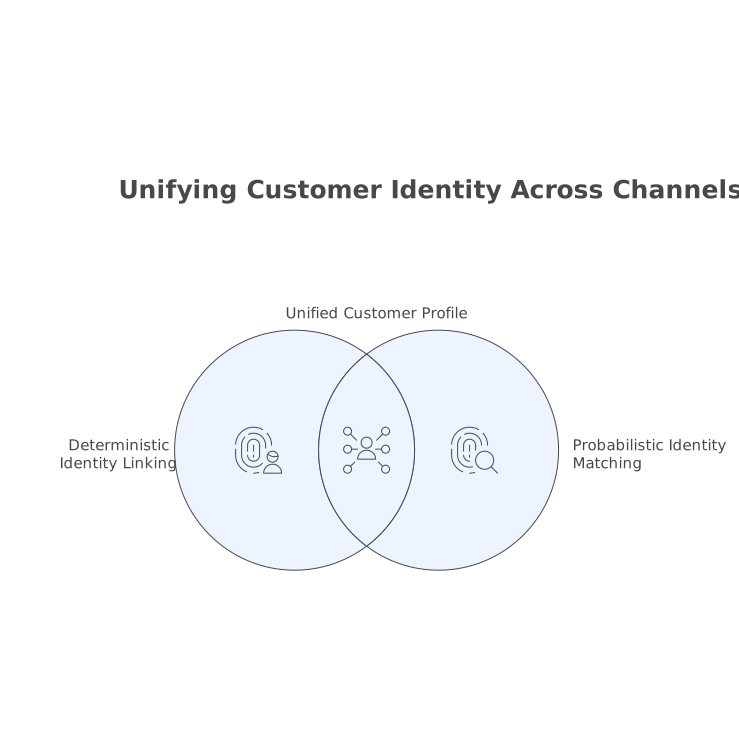
Operational guardrail: if confidence is low, agents should see the ambiguity and be prompted to confirm identity before taking account-level actions (refunds, address changes, cancellations).
2) Thread layer: what problem this is
Even with perfect identity, you can still lose context if you can’t recognize that the WhatsApp follow-up is about the same billing dispute as yesterday’s email.
What to implement
- Conversation-to-issue mapping: store an “issue ID” that can contain multiple channel threads.
- Merge rules with friction: auto-merge when signals are strong (same order ID, same intent, short time window). Require approval when signals conflict.
- Issue timeline: a single ordered list of events (messages, internal notes, status changes, system actions) regardless of channel.
This is the difference between an omnichannel inbox and a true omnichannel memory.
3) State layer: where the case stands
Channel switching often resets state. A chatbot might still think the customer is “pre-auth,” while an email agent already verified them. Or an agent promises a replacement, but social replies still request the same details.
What to implement
- Shared case state machine: verified/unverified, eligibility checked, refund approved, replacement shipped, awaiting customer, awaiting carrier, closed.
- State transitions with provenance: log who/what changed state (agent, automation, policy engine) and why.
- Channel-aware rendering: the same state, but summarized differently depending on channel constraints (e.g., concise for WhatsApp).
4) Policy layer: what is allowed
When context breaks, compliance breaks with it. A social agent might share information that should only be shared after verification. Or a WhatsApp workflow might issue refunds outside policy because it missed a previous exception.
What to implement
- Central policies, not channel scripts: return windows, refund limits, KYC/verification requirements, regional rules.
- Decision records: store the policy and inputs used to make a decision (e.g., refund eligibility).
- Approval gates: define when automation can proceed vs when a human must approve.
Well-defined policies turn omnichannel from a routing problem into a controlled execution problem.
5) Knowledge layer: what we know and what we told them
Teams often focus on knowledge articles, but the missing piece is “what we already told the customer.” If you don’t persist promises and explanations, customers will receive inconsistent answers across channels.
What to implement
- Customer-facing commitments: store explicit promises (refund in 3–5 days, replacement shipping date).
- Canonical snippets: reusable explanations for policies and processes, so answers stay consistent.
- Source-grounded responses: the system should reference approved sources (help center, order system, policy docs) rather than improvising.
If you build internal “keyword alert” coverage on calls and chats, extend it across channels so recurring intents and emerging issues show up early. The same logic behind a keyword alert system for customer calls applies to omnichannel text streams.
6) Action layer: what we did in external systems
Context fails when actions are invisible. An agent may have already updated the CRM, created a return label in the commerce platform, or credited an invoice in billing—but the next channel touch can’t see it.
What to implement
- Action receipts: store action type, system, object ID, timestamp, and outcome.
- Idempotency: prevent duplicate refunds, duplicate return labels, duplicate cancellations when customers ping multiple channels.
- Read-after-write checks: verify downstream systems reflect the change before messaging the customer.
Channel-specific failure patterns to watch
- Quoted history overload: long threads hide the latest decision. Fix with a structured “latest state + commitments” summary at the top.
- Forwarded messages: identity and issue mapping can degrade. Require confirmation before sensitive actions.
Chat
- Session resets: new browser, new device, new context. Anchor context to account/order identifiers when available.
- Bot-to-agent handoff gaps: ensure the issue ID, captured fields, and attempted steps are attached to the same timeline.
- Short messages, rapid back-and-forth: state must be compact and explicit. Keep a visible “what happens next” step.
- Phone-number identity collisions: shared devices or family numbers. Use confidence scoring and verification gates.
Social DMs
- Privacy constraints: move to verified channels for account specifics, but keep the issue ID so the transfer is seamless.
- Public escalation pressure: avoid making promises that aren’t backed by policy and action receipts.
How an agent platform helps without rebuilding your stack
Preserving context usually fails at integration boundaries: helpdesk tickets, CRM contacts, commerce orders, billing invoices, and policy documents all live in different systems. An AI layer can help if it’s designed around orchestration, not just response generation.
typewise.app is built for this kind of work: a multi-agent orchestration layer that sits above existing systems, connects channels to policies and actions, and keeps a unified customer context as conversations move between email, chat, WhatsApp, and social. The practical advantage is not “more automation,” but fewer context resets: agents (human or AI) can read and write across the systems that actually hold the truth, while using approvals and policy controls for sensitive steps.
Implementation checklist you can run in a week
- Define your context object: identity, issue ID, state, commitments, last actions, next step.
- Pick one high-volume workflow: returns, billing adjustments, delivery issues, or account access.
- Instrument failure signals: “customer repeats themselves,” duplicate actions, cross-channel reopen, time-to-verify.
- Set merge and verification rules: start strict, then loosen with data.
- Create an intake contract: required fields and acceptance criteria before an issue is considered “actionable.” If your team struggles with scattered pings, adapt an issue intake contract for a single prioritized backlog across channels.
Vertical Video