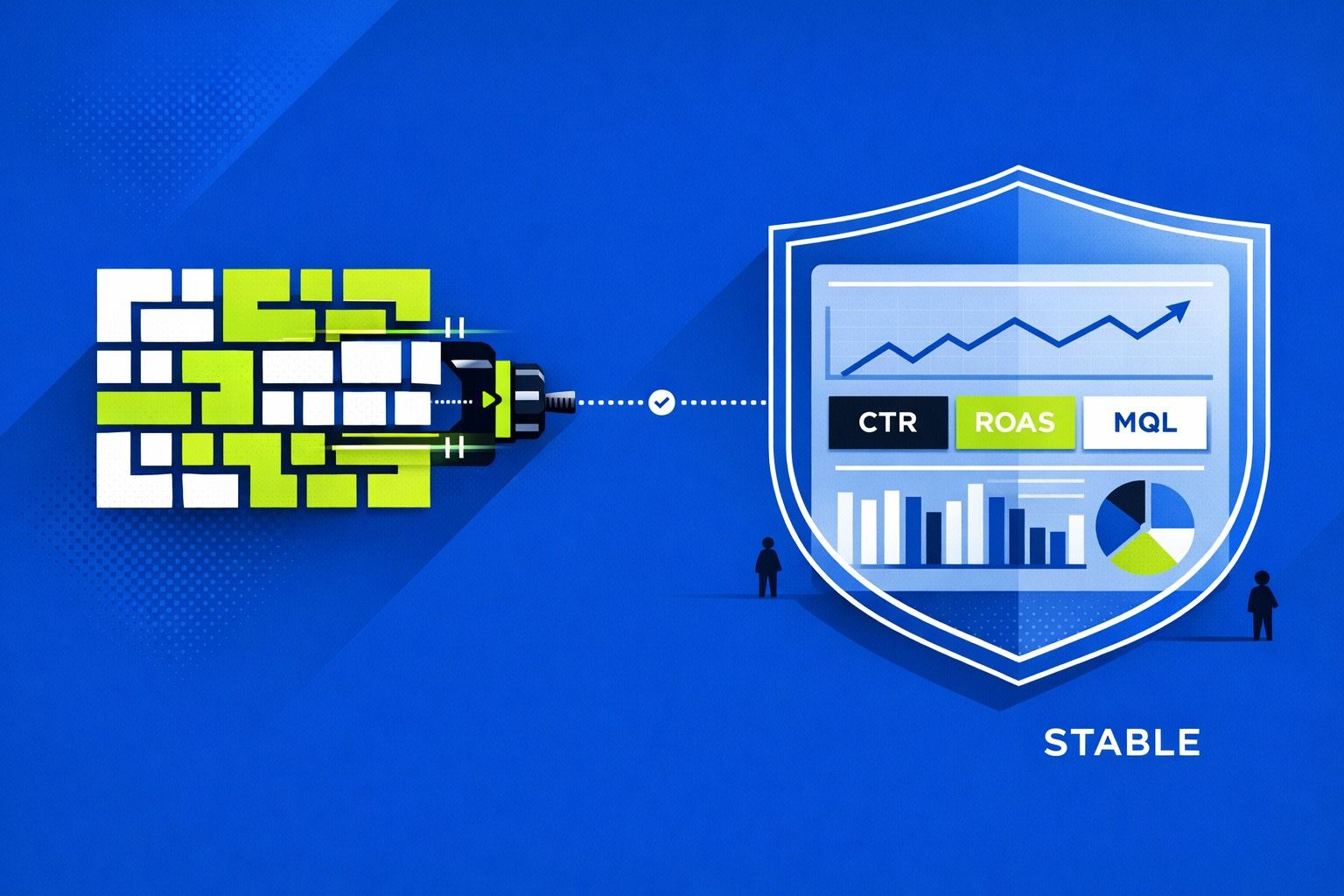
Schema drift is the quiet failure behind “why did spend drop to zero?”
Marketing dashboards rarely break with a loud error. More often, a chart goes flat, a KPI shifts a few percent, or a blended metric stops matching the ad platform UI. The root cause is frequently API schema drift: fields get renamed, types change, enums add new values, and nested objects shift shape. Your pipeline still runs. Your dashboard still refreshes. Your numbers become wrong.
This is especially common in marketing data because ad platforms ship changes continuously and often independently across endpoints, accounts, and regions. If your reporting depends on stable fields like campaign_name, spend, objective, or conversion_action, schema drift is not a rare incident. It’s a predictable month-end risk.
What schema drift looks like in real marketing pipelines
“Schema drift” sounds abstract. In practice, it shows up as a handful of repeat patterns.
Field rename or deprecation
An API field is renamed (or a legacy field is deprecated) and the old field starts returning nulls. Your transformation still expects the old field, so the metric becomes blank or drops to zero. Because nulls are valid data, nothing fails loudly.
Type changes that don’t crash but corrupt
A numeric field becomes a string (or vice versa). Some systems coerce types quietly. That can turn “100.50” into 100, parse failures into nulls, or break currency conversions downstream. The pipeline “works,” but your blended CPA is now off.
Enum expansion and category creep
Platforms add new objective types, placements, or attribution settings. Your mapping table doesn’t recognize the new value, so records land in Other, or get excluded by a filter intended to keep the dataset clean. Volume shifts, and it looks like performance changed.
Nested objects and arrays changing shape
Many marketing APIs return nested data (actions, conversions, breakdowns). A property moves, the nesting changes, or an array becomes an object. Your flattening logic might still output columns, but values end up in the wrong place.
Granularity and definition drift
Even without a schema change, an API can change what a metric means (e.g., default attribution windows, inclusion rules, or rounding). Your schema is stable but your KPI semantics aren’t. If you’re not monitoring, you’ll discover it when Finance asks why totals don’t tie out.
Why dashboards fail at month-end instead of day one
Schema drift is usually subtle at first:
- Only a small subset of accounts adopts a new field value.
- A renamed field continues to populate for some endpoints but not others.
- A type change hits a single connector or breakdown report.
Those issues compound as spend shifts into new campaigns, new objectives, or new regions. By the time you reconcile month-end totals, the drift has enough volume to be visible. That’s why “everything looked fine last week” is a common refrain.
Catch schema drift early with a simple detection system
You don’t need a massive governance program to catch drift. You need a few checks that run every refresh and produce a clear alert when something changes.
1) Treat the schema as a contract, not a byproduct
Pick the dataset that powers your primary dashboards (often a daily, channel-level fact table). Define it explicitly:
- Expected fields (names and presence)
- Expected types (number, string, date)
- Allowed categories for critical dimensions (channel, objective, currency)
- Null rules for core metrics (spend should not be null when impressions exist)
This becomes your contract. When new fields appear, that’s not “nice.” It’s a change request. When fields disappear, that’s an incident.
2) Run schema diff checks on every load
At ingestion time, store the “observed schema” for each source and endpoint: field names, types, and a sample of distinct enum values for key dimensions. Compare each run against the previous known-good version.
Alert on:
- Removed fields
- Type changes
- New enum values in critical dimensions
- Sudden changes in nested structure depth
The goal is not to block every change. The goal is to surface drift immediately, with enough context to fix it in minutes.
3) Add “data shape” checks that catch silent corruption
Some drift doesn’t change the schema; it changes the distribution. Add lightweight checks that detect unnatural shifts:
- Spend coverage: percent of spend mapped to known channels/objectives
- Zero/Null rate: spend, clicks, impressions null-rate by source
- Cardinality: sudden explosion in campaign names, placement values, or UTM sources
- Reconciliation: spend vs. platform totals within a threshold
If you already run keyword monitoring for customer language changes, the same idea applies to metrics: automated alerts for important vocabulary shifts in your dimensions. (Related: How to Build a Keyword Alert System for Customer Calls.)
4) Version your transformations and mappings
Most drift damage happens in the “normalization layer”:
- Channel grouping rules
- Campaign naming harmonization
- Currency conversion
- KPI calculations (CAC, ROAS, blended CPA)
Version these rules and keep a changelog with dates. When month-end numbers are questioned, you can answer: “This mapping changed on May 12, 2026; here’s what it did and why.” That’s faster than debugging from scratch.
5) Decide what should fail fast vs. degrade gracefully
Not every drift should stop the pipeline. But some should. Create two classes of alerts:
- Fail fast: spend missing, date parsing broken, currency invalid, primary keys not unique
- Degrade gracefully: new enum value, new optional field, extra nested property
Fail-fast protects financial accuracy. Graceful degradation protects reporting continuity while you update mappings.
Operational fixes that prevent repeat incidents
Build a single, analysis-ready source of truth
Dashboards break more when every team has its own connector, spreadsheet, and naming rules. Consolidating ingestion and standardization reduces the surface area for drift and makes monitoring realistic.
This is where a marketing data infrastructure layer helps. With Funnel.io, teams typically centralize connectors and apply consistent transformations (naming harmonization, currency conversion, KPI definitions) before data reaches dashboards or warehouses. The practical benefit is fewer “mystery” schema changes scattered across tools, and a clearer place to observe and standardize incoming fields.
Maintain an “unknown values” quarantine
Instead of dropping records with unmapped enums (new objectives, new placement types), route them into a quarantine view/table. Your dashboards stay stable, but your data team gets a daily list of “new stuff that needs a mapping.”
Create an intake lane for data incidents
Schema drift fixes compete with feature work unless you have a lightweight intake path and priority rules. If you’re already formalizing intake for pings and tickets, apply the same approach to analytics incidents so they don’t wait until reconciliation week.
A month-end checklist that takes 10 minutes
- Check schema diffs from the last 7 days for removed fields or type changes.
- Review new enum values in top dimensions (objective, channel, currency, attribution).
- Look at null-rate and zero-rate trends for spend, clicks, impressions.
- Validate spend reconciliation for top sources within a defined threshold.
- Scan the quarantine view for unmapped values and update mappings.
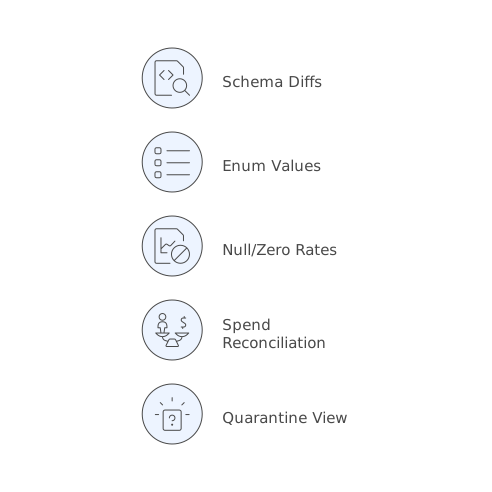
If you do this weekly, month-end becomes confirmation, not discovery.
Vertical Video