Why meetings need a source of truth
Most teams don’t lose context because they didn’t take notes. They lose it because meeting artifacts scatter across tools: a Zoom cloud recording, a Google Doc summary, a Slack thread with “final” decisions, and a ticket created later with missing nuance. When the transcript, summary, and decision record drift apart, the team can’t audit what was said, what was agreed, or what changed.
A “meeting source of truth” is a simple promise: every meeting has one canonical record, versioned like code, with clear links to transcript, summary, decisions, and follow-up. You don’t need heavy process. You need a workflow that treats meeting outputs as managed assets.
The core model: one meeting record, many derived views
Think in layers:
- Raw layer: recording + transcript. This is your evidence trail.
- Derived layer: summary, action items, highlights, clips. These speed up consumption.
- Decision layer: explicit decisions with owners, dates, and rationale.
- Operational layer: tasks synced to your systems (CRM, project tool, ticketing).
The mistake is letting each layer live in a different place with no stable links. The fix is a canonical meeting record that points to everything else and tracks edits over time.
Choose your canonical store and treat it like a repo
Your “repo” can be Notion, Confluence, Google Drive, or a lightweight internal wiki. What matters is:
- Stable URLs
- Access control aligned to your org structure
- Change history (or at least audit-friendly edits)
- A predictable folder/page pattern
Use one canonical page per meeting (or per series if your cadence is tight and the format is consistent). Give it an ID, not a clever title. Example: SALES-2026-08-08-ACME-QBR. IDs reduce ambiguity when people search and when automations run.
A minimal canonical template
- Meeting ID
- Date/time, timezone, and attendees
- Purpose (one sentence)
- Links: transcript, recording, highlights
- Summary
- Decisions (separate, structured section)
- Action items with owners + due dates
- Open questions and next meeting pointer
- Change log (what changed, who changed it, why)
Version-control workflow for meetings
You don’t need Git for this to work, but you do need Git-like discipline. Use three states and lock down what can change in each.
State 1: Draft (0–2 hours after the call)
This is where automation does the heavy lifting. Tools like Fathom can capture the transcript and deliver an immediate summary and action items across Zoom, Google Meet, and Microsoft Teams, which gives you a fast, consistent starting point. In Draft:
- Transcript may contain errors. Don’t “clean it up” by hand beyond obvious speaker attribution issues.
- Summary is allowed to be imperfect. Mark unknowns explicitly.
- Action items can be tentative.
Goal: get a complete record into the canonical page quickly, with links back to the raw artifacts.
State 2: Reviewed (within 24 hours)
Reviewed is the team-alignment pass. A meeting owner (or rotating scribe) verifies:
- Decisions are written as testable statements.
- Each decision has an owner and date.
- Action items are real tasks, not vague intentions.
- Key names, numbers, and commitments are correct.
Keep edits scoped. You are not rewriting history; you are making the record usable.
State 3: Locked (after review)
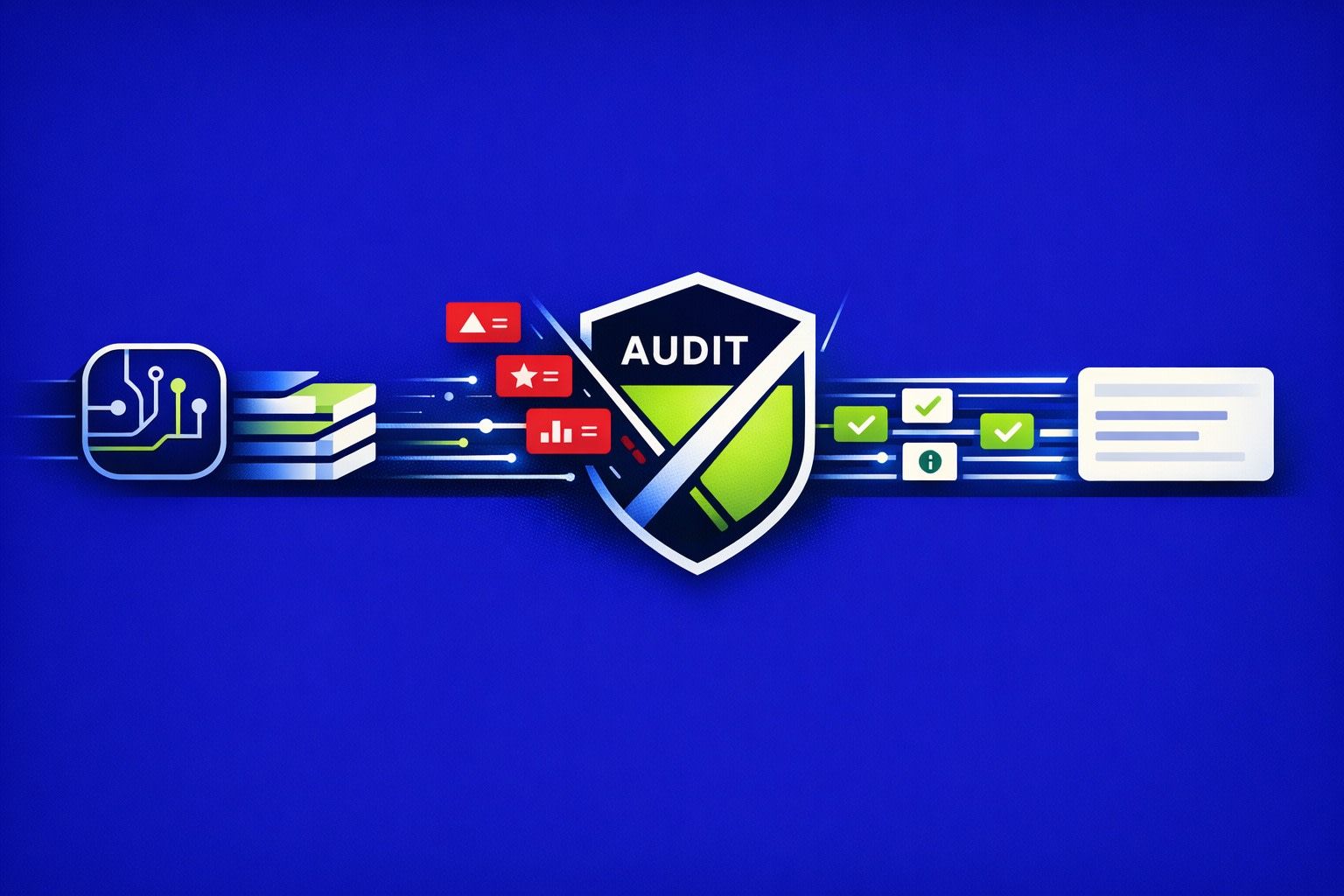
Locked means “decision truth is stable.” You can still add annotations, but you shouldn’t silently change what was decided. If something changes, you create a new entry in the change log (or a new “Decision v2” line) with a timestamp and reason.
This is where versioning matters most. Teams often fight about what was decided because the record was edited without context. Locked eliminates that failure mode.
Decision records that don’t rot
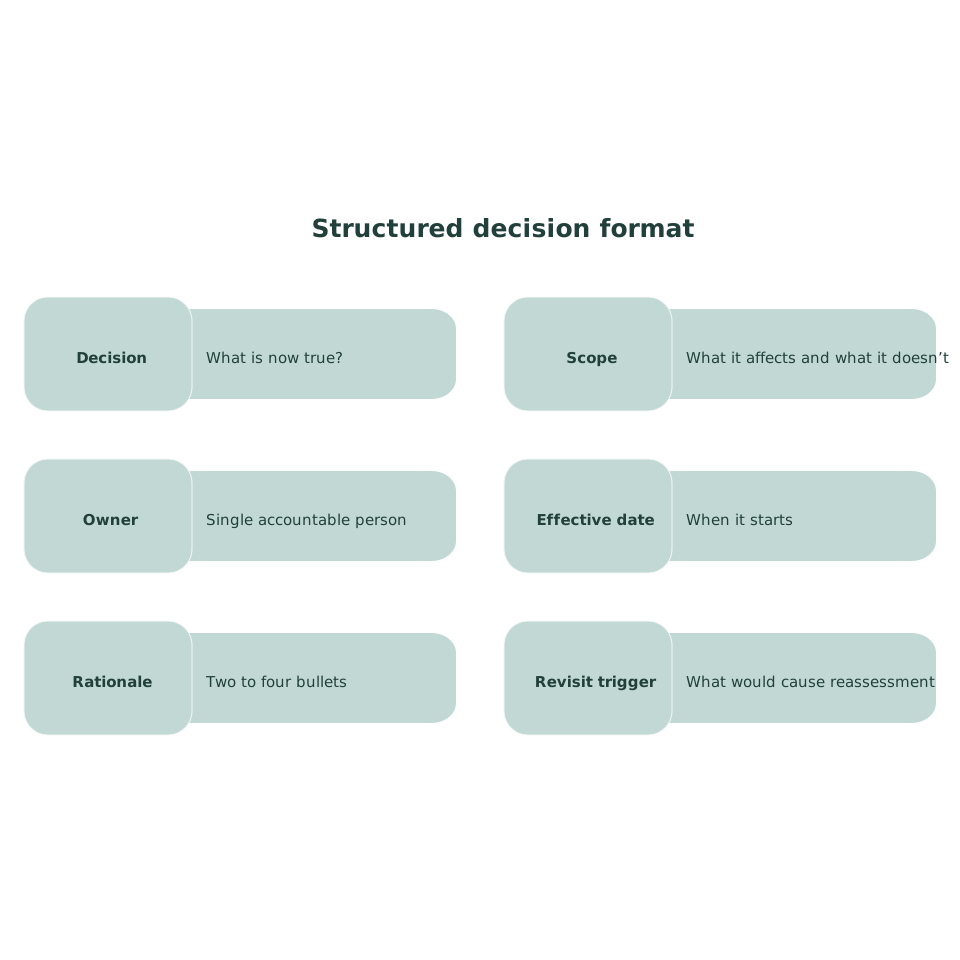
Most meeting notes fail at decisions. They capture discussion, not commitments. Use a structured decision format:
- Decision: What is now true?
- Scope: What it affects and what it doesn’t
- Owner: Single accountable person
- Effective date: When it starts
- Rationale: Two to four bullets
- Revisit trigger: What would cause reassessment
Link decisions to the most relevant transcript timestamps or highlight clips. That gives you fast auditability without forcing anyone to rewatch a full recording.
Make transcripts searchable without leaking sensitive data
Teams want global search, but they also have to manage PII, PHI, and internal secrets. The practical approach is to redact in the canonical layer while preserving structure, so people can still find the meeting via non-sensitive terms (project names, ticket IDs, customer IDs). If you need a concrete method, use a consistent redaction vocabulary and keep a private mapping where required.
For a deeper workflow on redaction that keeps searchability intact, reference this internal guide: LLM-proof meeting notes redaction practices.
Automate the “derived layer” without losing control
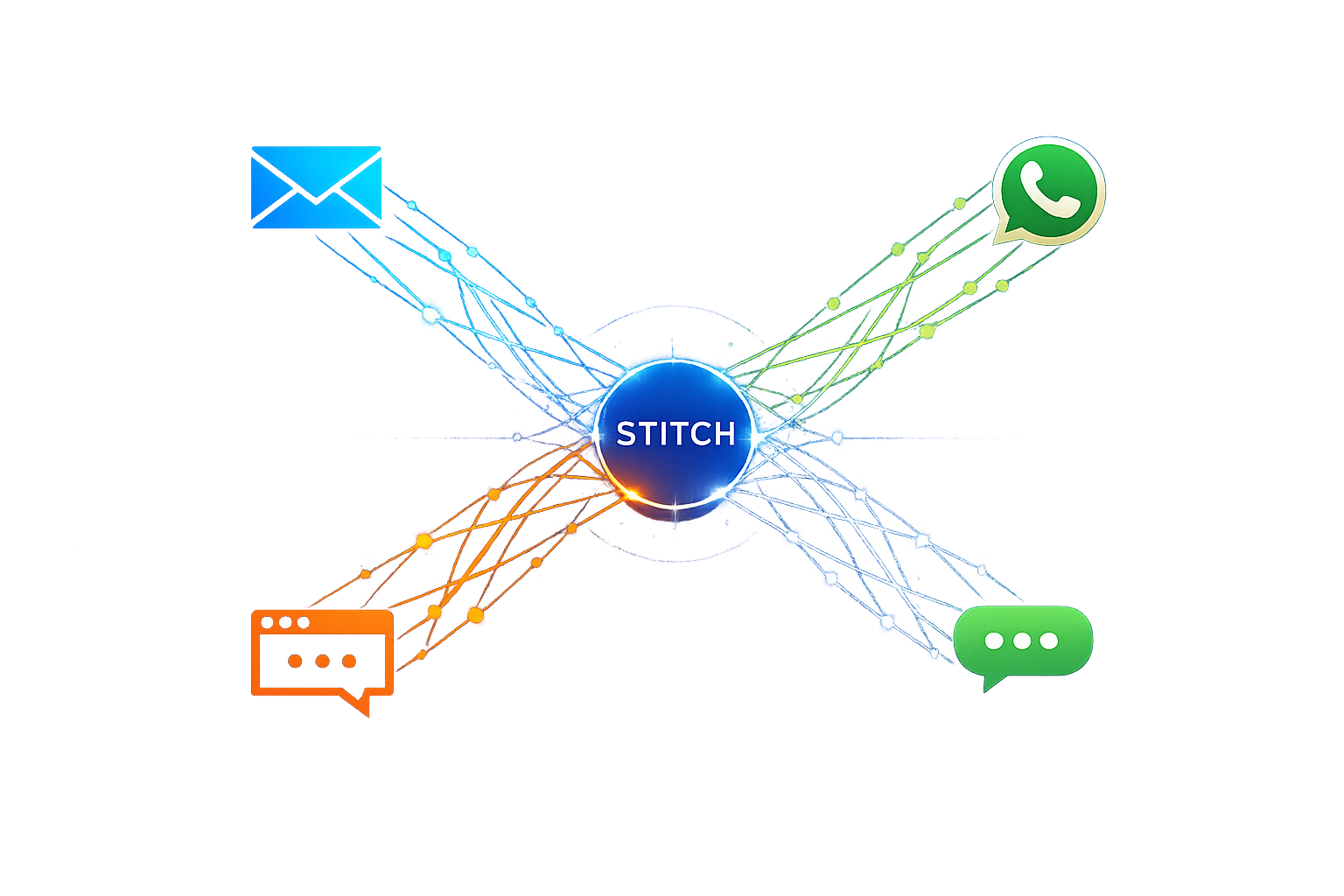
Automation is most valuable when it is predictable. The meeting record should be the hub, while downstream systems receive copies of specific fields:
- Slack: Post the summary + top actions to the right channel, with a link to the canonical page.
- CRM (Salesforce/HubSpot): Sync meeting notes and key fields to the right account/opportunity.
- Asana/Jira: Create tasks from action items with owners and due dates.
The key rule: downstream items are operational. The canonical page is the audit trail. If a task title changes in Asana, you don’t rewrite the decision record. If a decision changes, you update the canonical record and link the new context to the task.
Access, retention, and governance that doesn’t create more meetings
A source-of-truth system fails when governance is either nonexistent or too heavy. Keep it simple:
- Default access: Team-visible, with exceptions for HR/legal/health topics.
- Retention: Keep raw recordings for a shorter window, keep transcripts and decision records longer. Align to your compliance requirements.
- Roles: Meeting owner approves Reviewed/Locked. Everyone can comment.
If you operate in regulated environments, prioritize vendors and workflows that support configurable retention and strong security controls. For example, enterprise meeting systems may require features like SSO/SCIM, audit readiness, and HIPAA-aligned handling where applicable.
Rollout plan for teams that already feel overloaded
Adoption is the hard part. Keep rollout tight:
- Start with one meeting series (weekly leadership, pipeline review, sprint planning).
- Use one template and one naming scheme for four weeks.
- Measure drift: How often do people ask “what did we decide?” after the meeting?
- Fix the top two friction points (usually naming and ownership).
Once the system works for one series, copy it. The goal is not perfect notes. It’s a durable record that survives staff changes, quarter boundaries, and fast-moving decisions.
What “good” looks like in practice
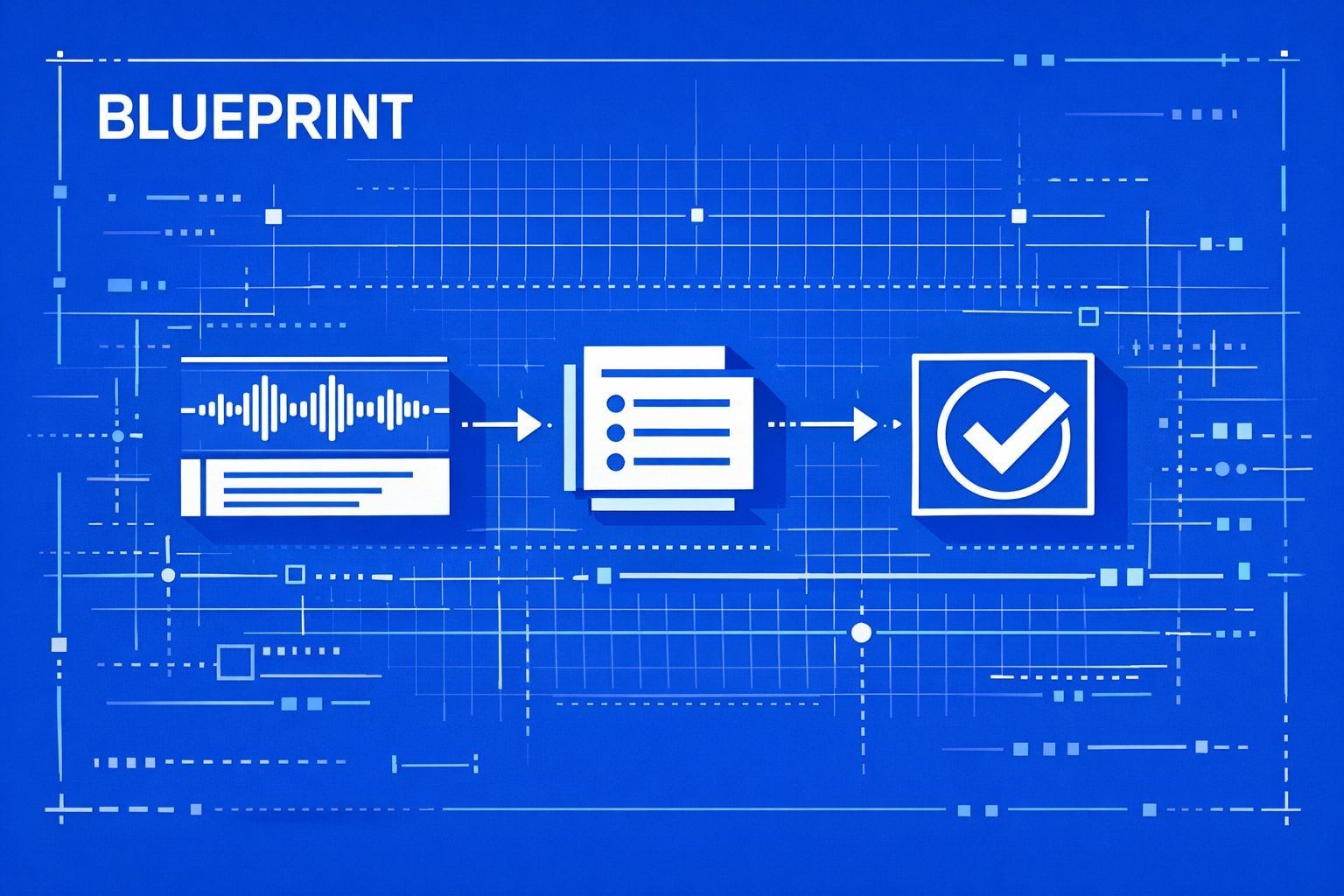
When the blueprint is working:
- Every meeting has a canonical link shared immediately after the call.
- Decisions are readable without watching video.
- Transcript evidence is one click away.
- Tasks exist where work happens, but the decision trail stays centralized.
- Search answers “when did we decide this?” in under a minute.