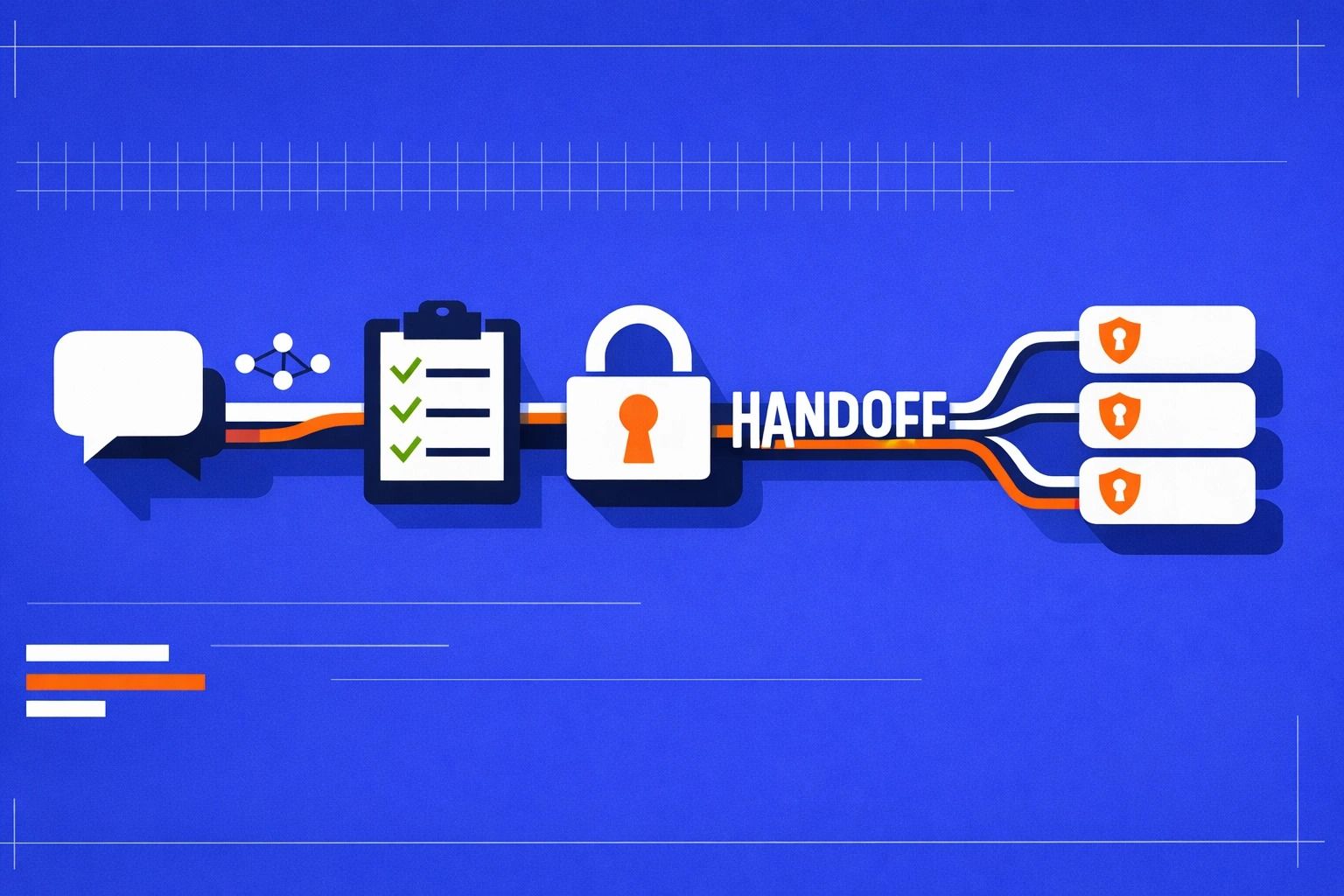
From chat-built prototype to SaaS reality
A prototype you built by chatting with an AI can feel deceptively “done”: screens exist, flows work, and demo data looks convincing. The handoff to a real SaaS app starts when you treat that prototype as the first draft of a product system—one that must withstand untrusted users, noisy traffic, billing edge cases, and audit requirements.
This checklist focuses on the practical work that typically begins after the prototype: authentication, multi-tenancy with row-level security (RLS), billing, and observability. If you used an AI builder like Lovable, you already have a standard foundation (React + Supabase + Postgres) that makes these steps straightforward to implement and review in real code.
1) Lock down authentication and session handling
Choose the identity model before you add features
Decide early whether you’re building for individuals, teams/organizations, or both. For multi-tenant SaaS, most products end up with an “organization” concept even if they start user-only. Define:
- Actors: users, organizations, service accounts (optional).
- Membership: a user can belong to one or many orgs; one org has many users.
- Roles: owner/admin/member/viewer, or a minimal set you can extend later.
Harden sessions and auth boundaries
- Cookie strategy: prefer secure, httpOnly cookies for session tokens where possible; avoid localStorage for sensitive tokens.
- Environment separation: distinct auth keys/URLs for dev, staging, prod.
- Redirect safety: validate return URLs; avoid open redirects.
- Password and MFA: if you support passwords, enforce strong policies; consider optional MFA for admins early if you expect B2B usage.
SSO later is easier if you design for it now
Even if SSO/SAML is an enterprise feature, design your user model to support multiple identity providers per email and to handle domain-based onboarding. Lovable’s enterprise positioning (SSO/SAML, SCIM, audit logs) is a good north star if you expect larger customers, but you can implement progressively.
2) Design your multi-tenant data model for RLS
Multi-tenancy isn’t a UI concern—it’s a data boundary. The safest pattern is to make tenant context explicit and enforce it at the database layer.
Minimum tables you’ll almost always need
- organizations (id, name, created_at)
- organization_members (org_id, user_id, role, created_at)
- resources (… , org_id, created_by, created_at) for each tenant-scoped domain entity
Rule of thumb: if a record belongs to a tenant, it has an org_id column. Avoid “tenant by convention” (like filtering by email domain in the app) because it will eventually leak.
Define tenancy for every table
Go table-by-table and label it:
- Tenant-scoped: must include
org_idand be protected by RLS. - User-scoped: belongs to a user regardless of org (profiles, preferences).
- Global: public templates, shared metadata—still needs careful permissions.
3) Implement RLS policies that match real usage
RLS is where prototypes become production-ready. In a Supabase/Postgres stack, RLS makes the database enforce the tenant boundary even if an API route or client query is wrong.
Start with deny-by-default
- Enable RLS on every tenant-scoped table.
- Create explicit SELECT/INSERT/UPDATE/DELETE policies.
- Prefer least privilege: a “member can read everything” policy is often too broad.
Common policy patterns
- Membership check: allow access only when the authenticated user is a member of
org_id. - Role-based actions: admins can manage members; members can manage their own content.
- Created-by constraints: for sensitive resources, restrict updates/deletes to creator or admin.
Handle “active organization” safely
Many apps store an “active org” in the client. Treat it as a convenience only—never as authorization. Authorization should be derived from membership in the database. If you pass org_id from the client, validate it server-side (or via RLS) against membership.
4) Add billing without coupling it to authorization
Billing state influences product access, but it shouldn’t be the only gate. Keep billing logic explicit and auditable.
Model billing entities cleanly
- plans (name, limits, price identifiers)
- subscriptions (org_id, status, current_period_end, plan_id)
- usage (org_id, metric, count, period)
Stripe integration checklist
- Checkout: create sessions server-side; never expose secret keys.
- Webhooks: treat webhooks as source of truth for subscription status changes.
- Idempotency: ensure webhook handlers are idempotent (events can be retried).
- Customer mapping: map Stripe customer/subscription IDs to
org_id, not user_id.
Entitlements, not “if paid then allow”
Translate plan + subscription status into entitlements (features, limits). This reduces edge-case bugs (trial ended, payment failed, downgraded) and makes UI and API behavior consistent.
5) Observability you can act on
Once real users arrive, you need to answer: what broke, for whom, and why? Observability isn’t just logs—it’s traceability across requests, tenants, and billing events.
Baseline instrumentation
- Structured logs: include request_id, user_id, org_id, route, latency, status.
- Error tracking: capture frontend and backend errors with stack traces and release versions.
- Metrics: request rate, error rate, p95 latency, queue depth (if any), webhook failure rate.
Auditability for B2B
If you’re selling to organizations, add audit logs for key actions: membership changes, role updates, billing changes, data exports, and admin-level deletes. Even lightweight audit logs help resolve disputes and speed up support.
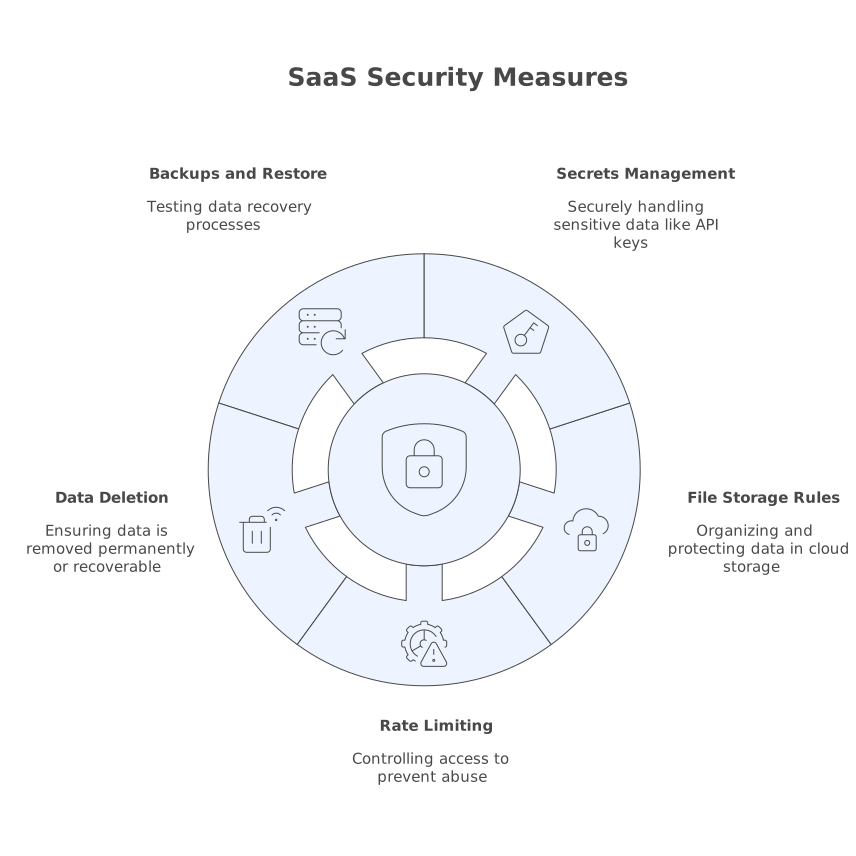
6) Security checks that prevent common SaaS incidents
- Secrets management: no secrets in the client bundle; rotate keys; separate envs.
- File storage rules: storage buckets need tenant-aware paths and access policies (don’t rely on “unguessable” URLs).
- Rate limiting: protect auth endpoints, webhook endpoints, and expensive queries.
- Data deletion: define what “delete workspace” means; implement soft delete where recovery matters.
- Backups and restore: test restores, not just backups.
7) A practical handoff workflow for AI-built code
The fastest path is to treat the AI-generated app as a real repo with reviewable changes:
- GitHub sync: require PRs for schema and policy changes, especially RLS and webhooks.
- Staging first: run Stripe in test mode, validate webhooks, and test RLS with multiple tenants.
- Tenant test suite: add a small set of automated tests that attempt cross-tenant reads/writes and must fail.
With Lovable, this workflow stays grounded in standard React/Supabase code your team can own and extend, while still benefiting from rapid iteration during the prototype phase.
Vertical Video