What a keyword-alert system should do in customer calls
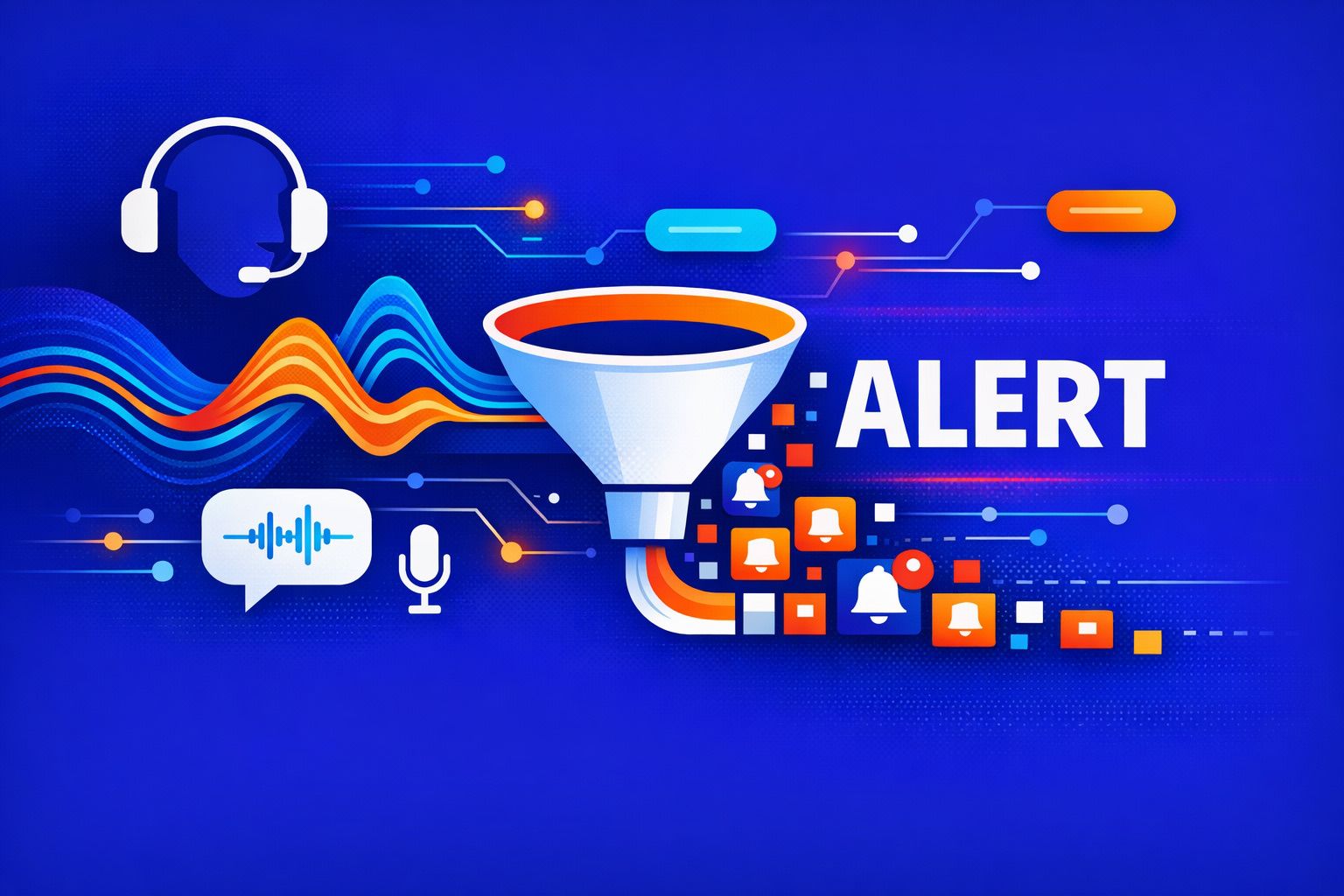
A keyword-alert system listens for specific phrases in call transcripts and turns them into reliable signals you can act on. In practice, that means three buckets:
- Competitor mentions that indicate evaluation or switching behavior.
- Renewal risk language that predicts churn before it appears in a dashboard.
- Next-step commitments that should become tasks, timelines, and CRM updates automatically.
The goal is not “more alerts.” The goal is fewer, higher-confidence alerts that land in the right place (Slack, CRM, task tool) with enough context to make a decision fast. Tools like Fathom already support searchable transcripts and keyword alerts across calls, which makes them a practical foundation for teams that want monitoring without building a full speech pipeline from scratch.
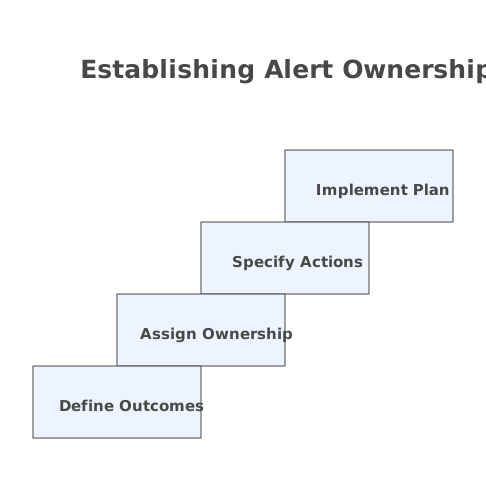
Step 1 Define the outcomes and who owns each alert
Start with ownership. An alert with no clear owner becomes noise within a week. For each category, define the recipient and the action:
- Competitor mention → account owner + sales leader; action: add battlecard note, update deal risk, request enablement help.
- Renewal risk → CSM + renewals manager; action: create a risk plan, schedule exec check-in, log reason codes.
- Next-step commitment → meeting host; action: create tasks with due dates and confirm in follow-up email.
Decide what “real-time” means. Many teams don’t need mid-call notifications. Alerts that trigger when a meeting ends are often enough and create less distraction.
Step 2 Build a keyword library that matches how customers actually speak
Keyword systems fail when the list looks like a product-marketing document. Use the language customers use. Build the library from your own transcripts, not from brainstorms.
Competitor mentions
Include:
- Competitor names and common misspellings.
- Product nicknames customers use internally (“the old tool,” “the legacy system”).
- “Compare” language: “we’re evaluating,” “side-by-side,” “shortlist,” “bake-off.”
- Switch language: “migrating,” “replace,” “consolidate,” “rip and replace.”
Also include indirect signals that often precede a competitor name, such as “procurement asked us to…” or “security review for another vendor.” These are useful when competitors aren’t named explicitly.
Renewal risk language
Risk language is rarely a single word like “cancel.” It shows up as patterns:
- Value doubt: “not sure we’re getting value,” “hard to justify,” “ROI isn’t clear.”
- Usage friction: “adoption is low,” “nobody uses it,” “teams stopped logging in.”
- Budget pressure: “freeze,” “cuts,” “renewal is under review,” “needs approval.”
- Relationship signals: “we haven’t heard from you,” “support isn’t responsive.”
Include phrases tied to your renewal calendar: “end of term,” “next quarter,” “renewal date,” plus internal terms like “true-up.” These often reveal timing risk even when sentiment is neutral.
Next-step commitments
These are the highest-leverage alerts because they should become tasks. Capture:
- Commit verbs: “I will,” “we’ll,” “you can expect,” “we’ll send,” “we’ll review.”
- Meeting scheduling: “let’s book,” “calendar,” “next week,” “Friday works.”
- Dependencies: “after legal,” “once security signs off,” “pending procurement.”
- Decision moments: “we’ll decide by,” “final approval,” “go/no-go.”
If your team struggles to convert commitments into execution, pair the alert system with a consistent follow-through workflow. The most effective approach is to convert alerts into time-blocked work immediately; the framework in Close the Meeting-to-Task Gap With a 5-Step Notes-to-Time-Block Workflow fits well with call-derived action items.
Step 3 Choose the detection approach and set a confidence threshold
You have three practical approaches, and many teams combine them:
- Exact-match keywords: fastest to deploy, best for competitor names and hard terms.
- Phrase patterns: simple rules like “verb + timeframe” to catch commitments (“send” + “by Friday”).
- Semantic detection: identifies intent even when wording varies (useful for renewal risk and objection themes).
Set a minimum threshold for alerts. For example, require two risk phrases within a five-minute window before flagging “renewal risk,” or require a competitor name plus an evaluation phrase before notifying leadership. This reduces false positives without missing serious signals.
Step 4 Add context so alerts are actionable, not just interesting
An alert should answer: what happened, where, and what to do next. Include:
- Call metadata: account, opportunity, renewal date, attendees, meeting type.
- Transcript snippet: one to three sentences around the keyword.
- Timestamp: so the rep can jump to the exact moment.
- Suggested action: a default checklist tied to the alert type.
This is where meeting tools with clips and searchable transcripts are especially helpful. If your system can link directly to a highlighted moment, you reduce the “I don’t have time to review this” failure mode.
Step 5 Route alerts into the systems your team already uses
Alerts should land where work happens:
- Slack for immediate visibility and lightweight coordination.
- CRM (Salesforce, HubSpot) for durable record and forecasting accuracy.
- Task tools (Asana, Notion, etc.) for commitments that need owners and due dates.
A clean pattern is: keyword hit → create structured record → notify. The structured record might be a CRM note with tags like Competitor, Renewal Risk, or Next Step, plus fields for competitor name, risk reason, and commitment date.
Step 6 Prevent alert fatigue with scoring and escalation rules
If every mention triggers a ping, people will mute the channel. Use levels:
- Info: logged silently to CRM or a folder for later analysis.
- Action: sent to the owner with a task template.
- Escalate: sent to leadership when the signal is strong (e.g., competitor + timeline + budget mention).
Scoring can be simple. Example: competitor name (2 points), “shortlist” (2), “decision by next week” (2), “procurement” (1). Escalate at 5+. Start conservative, then loosen once you see what you miss.
Step 7 Review alerts weekly and keep the library current
Your vocabulary will drift: new competitor names appear, customers adopt new internal language, and your product adds features that change how people talk about value. Treat the keyword library as a living asset.
Run a weekly 20-minute review:
- Top false positives and which phrases caused them.
- Missed alerts discovered in call reviews.
- New terms to add (including acronyms).
- Which alert types actually led to action.
One operational tip: align definitions across platforms. If “renewal risk” means one thing in your alerts but another thing in your CRM fields or dashboards, adoption suffers. Maintaining consistent KPI definitions is a prerequisite for trustworthy alerting.
How Fathom fits into a practical setup
Teams typically don’t need to build transcription, storage, and search from zero. A meeting system that delivers transcripts, summaries, action items, and team-wide search shortens the path to useful alerts. Fathom is designed around capturing and organizing call content (including keyword alerts), then pushing follow-through into the tools teams already use. That combination matters: detection without workflow integration creates more review work, not less.
Once your alerts are stable, you can extend the system: track competitor frequency by segment, identify which risk reasons predict churn, and measure “commitment completion rate” as a leading indicator of execution quality.
Vertical Video