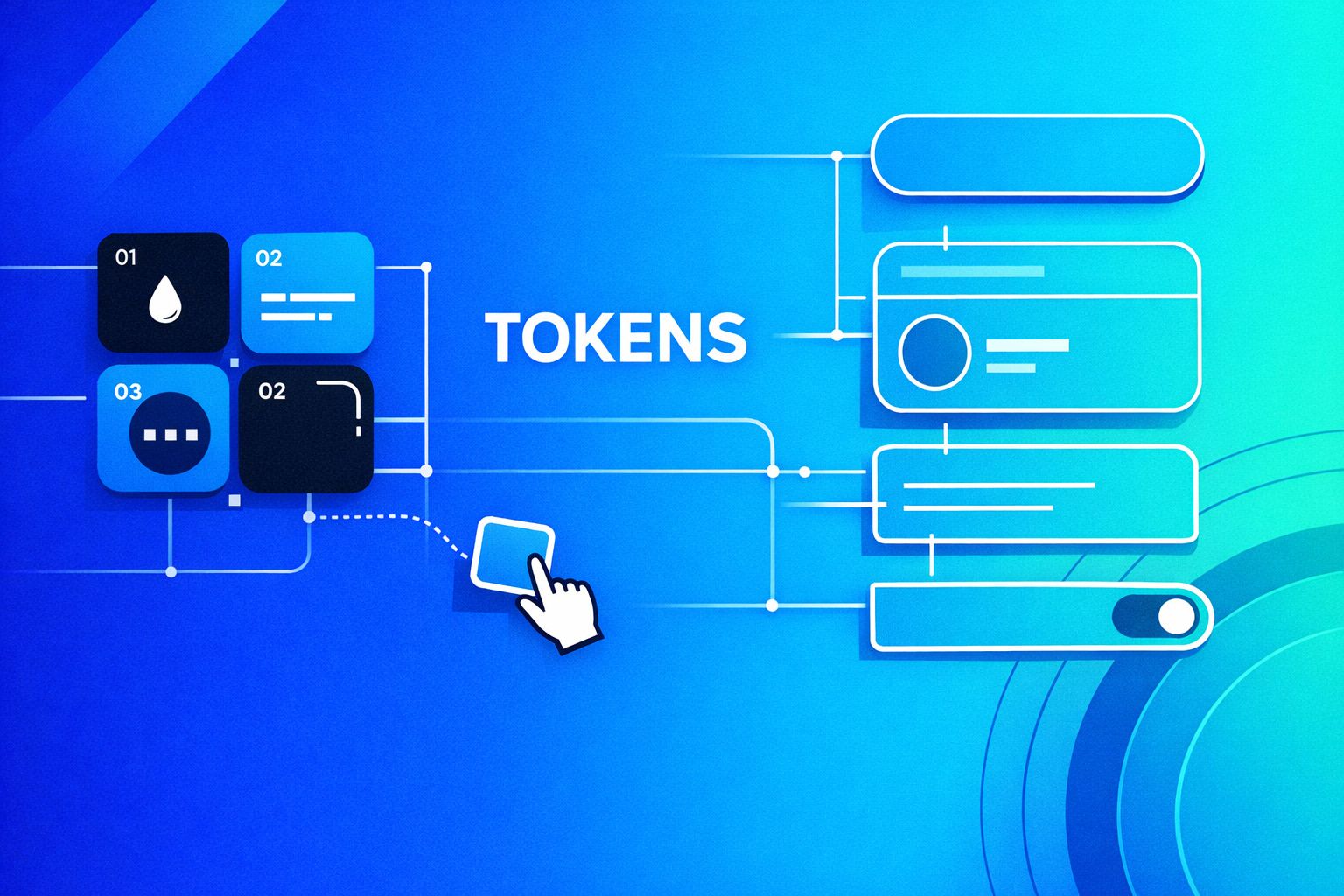
Why design tokens matter in no-code builds
Design tokens are the smallest decision units in a design system: colors, spacing, typography scales, radii, shadows, and semantic roles like primary or danger. In a no-code app, tokens do more than keep things pretty. They prevent UI drift when multiple people ship pages fast, when custom components get introduced, or when you need to rebrand without refactoring every screen.
The practical goal is simple: every component and every page should reference tokens, not hard-coded values. That way, a change to a single token updates the whole system. In a visual development platform like WeWeb, that token discipline is the difference between a prototype that looks consistent today and an app that stays consistent after 50 iterations. You can build and maintain that workflow in weweb.io while still keeping the door open to custom Vue components when you need them.
A practical token model that works in real projects
Start with two layers: base and semantic
A token system that scales usually separates:
- Base tokens: raw primitives like
blue-600,gray-100,space-8,radius-6,font-size-14. - Semantic tokens: meaning-based aliases like
color-bg-surface,color-text-muted,color-border-default,space-page-gutter,shadow-elev-2.
Base tokens make the palette and scale explicit. Semantic tokens map those primitives to UI intent. When marketing asks for a refreshed brand color, you swap which base token feeds color-brand without rewriting components.
Define token naming rules before you build components
No-code teams often skip naming conventions and pay later with duplicated “almost the same” values. Keep names:
- Lowercase and dashed (
color-text-default). - Role-first for semantics (
color-bg,color-text,color-border). - Scale-based for spacing and type (
space-4,space-8,text-12,text-14), then alias them semantically later if needed.
The win is consistency: everyone knows where to look, and your design system becomes enforceable instead of “best effort.”
Workflow step 1: build the token library once
In practice, teams store tokens in one of three places:
- Design tool export (e.g., Figma variables/tokens) as the source of truth.
- Code repository (JSON) shared across apps.
- Platform-level theme where the app reads tokens as CSS variables.
For a no-code app with custom components, CSS variables are the most portable bridge. Even if your internal source of truth is JSON, you can compile it to CSS variables at build time.
Keep the first version small: color, typography, spacing, radius, shadow, and z-index. Add motion tokens later if your app actually uses motion.
Workflow step 2: wire tokens into global styles and themes
Enforcement starts at the global level. Define tokens as CSS variables on :root, then support theme overrides (light/dark, brand variants) using a [data-theme="dark"] attribute or similar.
Example structure:
- Global:
--space-4,--radius-8,--color-gray-900 - Semantic:
--color-text-defaultmapped to a base token - Theme override: re-map semantic tokens under a theme selector
In a WeWeb project, this approach stays compatible with both no-code styling and imported Vue components, since both can consume the same variables.
Workflow step 3: token-first components in the no-code editor
Tokens only work if components are built to consume them. The rule is strict: avoid setting arbitrary hex colors, pixel margins, or one-off font sizes in individual elements. Instead, route those decisions through tokens via:
- Component defaults (button padding, input height, card radius).
- Variant props (primary/secondary/ghost, size sm/md/lg).
- State styles (hover/focus/disabled) referencing semantic tokens.
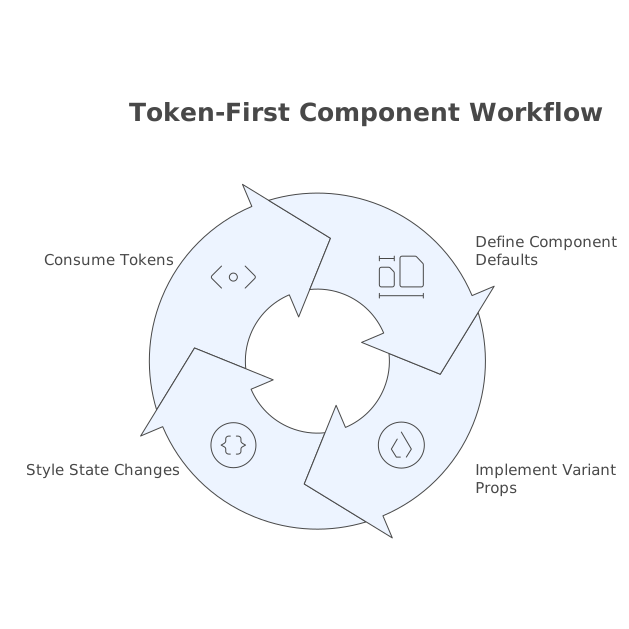
A button component is a good test. If the button’s background is --color-action-primary and its padding is derived from --space-*, you can ship dozens of pages without “design drift.”
Use semantic tokens for states, not just base colors
Most inconsistencies come from states: focus rings, hover shades, disabled text. Create semantic tokens like:
--color-focus-ring--color-action-primary-hover--color-action-disabled
This prevents each component from inventing its own hover color. It also makes accessibility updates (contrast tweaks, focus visibility) fast and centralized.
Workflow step 4: enforce tokens across pages with guardrails
No-code makes it easy to bypass systems. You need friction in the right places:
- Approved component catalog: pages should be composed from system components, not raw primitives.
- Restricted styling patterns: decide when page authors can add custom CSS and when they can’t.
- Review checklist: before publishing, spot-check for hard-coded values and one-off sizes.
If you already run a centralized intake process for “just one quick UI tweak” requests, formalizing it as an issue intake contract helps keep token violations from slipping into production under time pressure. You can align that process with this internal guide: Issue intake contract for turning pings and tickets into a single prioritized backlog.
Workflow step 5: keep custom components aligned with the same tokens
Custom components are where design systems often break. The fix is straightforward: custom components must consume the same token interface as no-code components.
- Use CSS variables inside the component for colors, spacing, and typography.
- Expose variants that map to semantic tokens (e.g.,
variant="danger"maps to--color-action-danger). - Avoid inline styles that hard-code values unless they reference a token.
WeWeb’s ability to import and edit Vue components is useful here: it lets you implement token consumption once, then reuse the component everywhere without re-styling each instance. The key is treating the token set as an API: stable names, predictable behavior, and documented expectations.
Change management: version tokens like a product
Token changes are UI-breaking changes. Treat them with the same rigor as code changes:
- Changelog: record which tokens changed and why.
- Deprecation window: keep old tokens temporarily and map them to new ones.
- Migration checklist: update components first, then pages, then remove deprecated tokens.
If your team struggles with too many in-flight UI changes, a lightweight WIP budget can keep the system stable while still shipping. This is a good complement to token governance: WIP Budget Playbook for Capping In-Progress Work Without More Meetings.
A repeatable checklist for token enforcement
- Token library exists with base + semantic layers.
- Global CSS variables are the integration layer for no-code and custom components.
- Core components (buttons, inputs, text, cards) use tokens only.
- States (hover/focus/disabled) use semantic state tokens.
- Pages are composed from approved components, not one-off styling.
- Token changes follow a versioned process with deprecations.
This workflow keeps design quality predictable while still letting a no-code team move fast. The main work is upfront discipline: once tokens are in place, consistency becomes the default behavior instead of something you have to police on every page.