Why “same request” often isn’t the same request
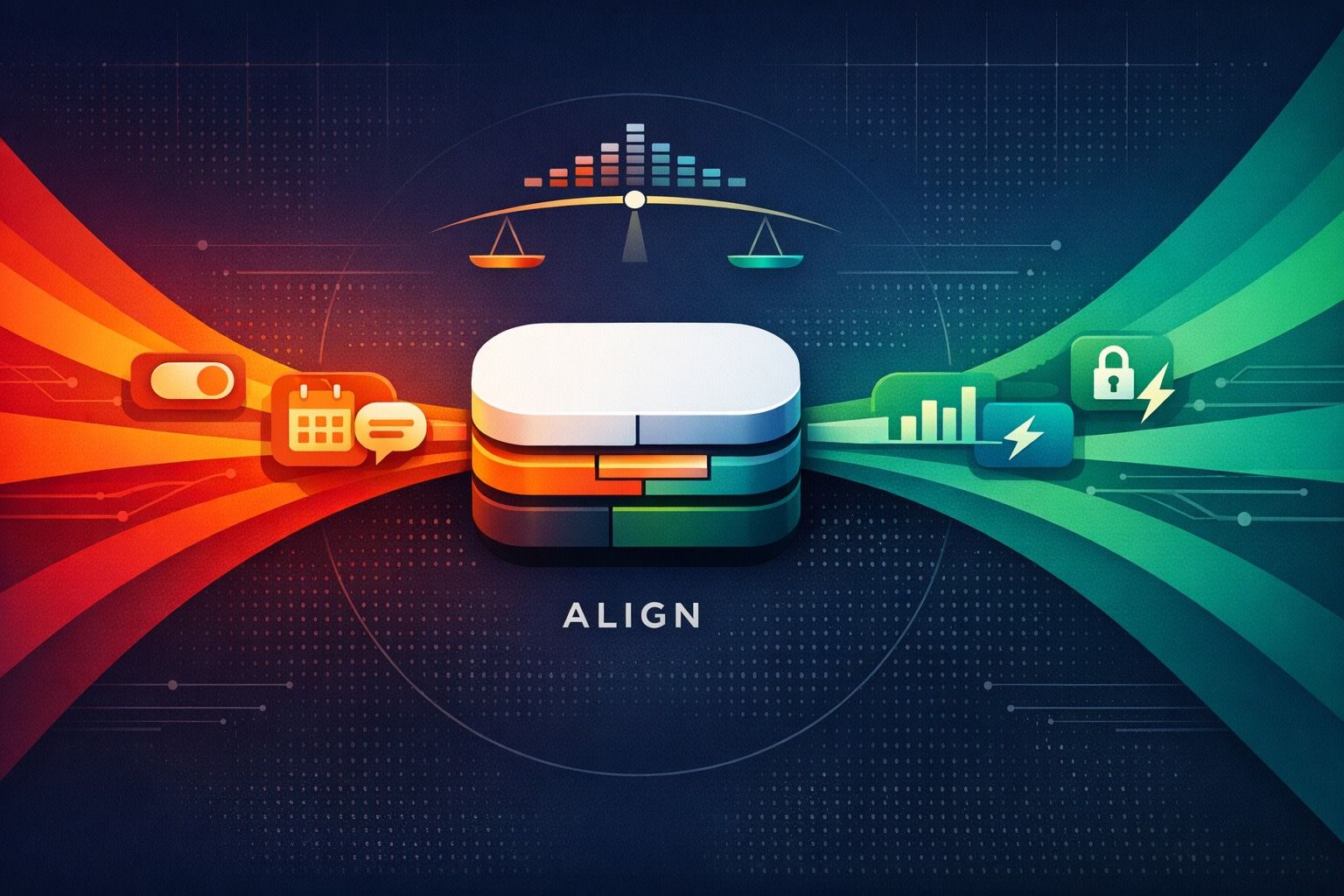
Product teams collect thousands of feature requests that look identical on the surface: “Add SSO,” “Need approvals,” “Export to CSV,” “Support audit logs.” The trap is assuming one label equals one meaning. In reality, identical wording can hide different jobs-to-be-done across segments. That’s where the Feedback Diff method helps: compare how different segments describe, justify, and measure success for the “same” request. When the meaning diverges, you decide whether to split the request into separate items or merge it into a single roadmap bet with segment-specific acceptance criteria.
This is not a semantic exercise. It changes prioritization. A request that looks like a nice-to-have for SMB can be a compliance blocker for enterprise. If you don’t detect the shift, you’ll ship something that satisfies nobody.
What the Feedback Diff method is
A Feedback Diff is a structured comparison of request context across segments. You’re not diffing the feature title. You’re diffing the surrounding evidence:
- Trigger: what happened that made them ask?
- Constraint: what must be true (policy, process, tech)?
- Workflow: where does it sit in their day-to-day?
- Success metric: what outcome proves it worked?
- Non-goals: what would be unacceptable or irrelevant?
If those elements line up across segments, merge. If they diverge materially, split—or keep one item but track multiple acceptance profiles.
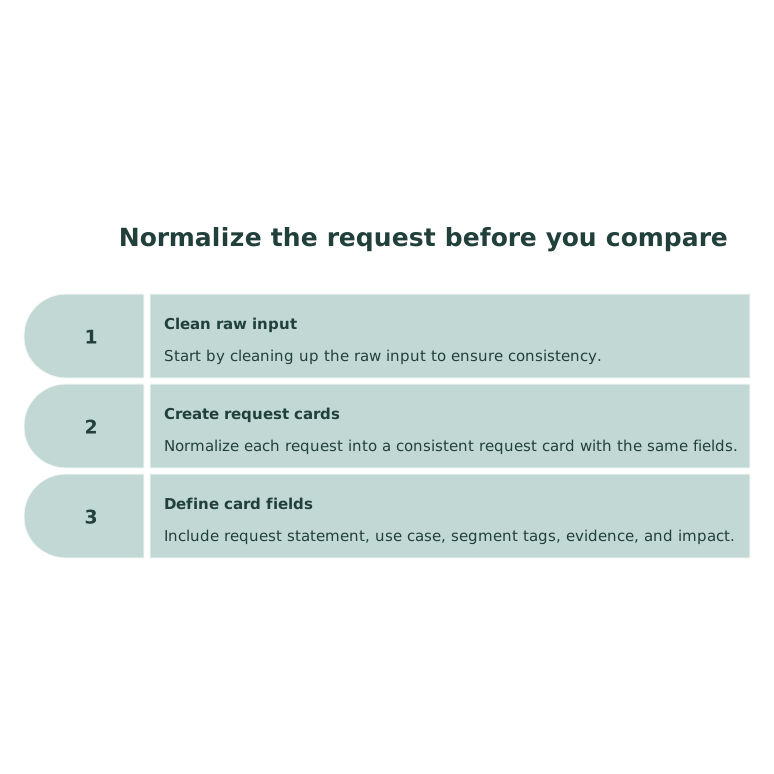
Step 1: Normalize the request before you compare
Start by cleaning up the raw input. Don’t compare a vague portal post against a detailed support ticket as if they’re equal. Normalize each request into a consistent “request card” with the same fields.
Minimum request card fields
- Request statement: one sentence, no solutioning.
- Use case: what they’re trying to accomplish.
- Segment tags: plan, company size, industry, persona, region.
- Evidence: links to calls, tickets, examples, screenshots.
- Impact: revenue risk, expansion potential, churn risk, time saved.
If you’re pulling feedback from multiple sources, capture and deduplicate first. Platforms like canny.io help centralize requests and keep the evidence attached to a single canonical item, which makes segment comparison practical instead of manual.
Step 2: Build the diff view by segment
Pick 2–4 segments that actually drive decisions (not 12 micro-tags). Common splits are SMB vs. mid-market vs. enterprise, self-serve vs. sales-led, regulated vs. non-regulated, or admin vs. end user.
For the top request you’re evaluating, assemble a diff table:
- Top phrases used by each segment (their words, not yours)
- Primary blocker (why it matters now)
- Required capabilities (must-haves)
- Edge cases that appear repeatedly
- Definition of done per segment
The goal is to detect meaning drift. Example: “SSO” may mean “SAML + SCIM + domain verification + multiple IdPs” in enterprise, while SMB means “Google login so we stop forgetting passwords.” Same label. Different product.
Step 3: Identify meaning-shift signals
During the diff, look for concrete signals that the request is actually multiple requests.
Signal A: Different “jobs” under the same title
If one segment is trying to reduce admin work and another is trying to pass procurement, you’re not solving one job. You’re solving two.
Signal B: Different constraints define the solution space
Regulated customers bring hard constraints (auditability, retention, least privilege). Non-regulated customers prioritize speed and convenience. When constraints differ, acceptance criteria differ, and the build is rarely “one size fits all.”
Signal C: Different success metrics
One segment measures success as “time saved per week.” Another measures success as “we can sign a $200k deal.” These lead to different scopes, onboarding, and documentation needs.
Signal D: Different failure modes
If segment A says “it’s annoying when exports are slow” and segment B says “we can’t export at all due to row limits,” those are different failure modes. Treating them as one creates a feature that looks shipped but remains a blocker.
Split vs. merge decision rules
After the diff, you decide how to represent the work so prioritization stays honest and execution stays clear.
Merge when the core job and constraints match
Merge if segments share:
- the same trigger and workflow location
- the same minimum viable capability
- the same definition of done
In this case, keep one feedback item and store segment-specific notes as acceptance criteria variants. This avoids inflating counts and keeps roadmap communication clean.
Split when the acceptance criteria would create scope fights
Split into separate items when:
- each segment needs a different “minimum” solution
- one segment requires compliance-grade depth
- shipping for one segment would not satisfy the other
Splitting is not fragmentation. It’s clarity. You can still roll them up into an “epic” theme (e.g., “Identity & Access”) while tracking distinct outcomes.
Hybrid option: One item, multiple packages
Sometimes the job is shared but depth differs. Keep one request, but explicitly define tiers (e.g., “Basic approvals” vs. “Advanced approvals”). This is useful when packaging and pricing naturally follow the meaning shift.
How to operationalize Feedback Diffs in a weekly workflow
The method only works if it’s repeatable. A lightweight cadence:
- Weekly: run diffs for the top 3 rising requests by revenue-weighted demand.
- Monthly: audit your top 20 items for hidden meaning drift as segments evolve.
- Quarterly: re-evaluate segment definitions; merge tags that no longer predict differences.
To keep this efficient, use structured fields instead of free-text everywhere. Centralizing and de-duplicating feedback also reduces “ghost divergence” created by inconsistent capture across tools. If you’re already using modern workflows to reduce manual ops work, the same discipline applies here: control the input format so comparisons stay reliable.
Common mistakes that break the method
Using vote count as the diff
Votes measure volume, not meaning. Two segments can vote for different reasons. Always diff context, not just counts.
Splitting too early
If you split before you have enough evidence, you create noise. Wait until you see consistent segment-specific constraints or success metrics.
Merging because the roadmap needs simplicity
Simplicity is good, but hiding divergence causes failed launches. Merge only when definitions of done align.
What you get when you do this well
Feedback Diffs reduce wasted builds, improve roadmap credibility, and make prioritization defensible. More importantly, they make your internal conversations shorter: instead of debating “is this important,” you can say, “it’s important for enterprise because it’s blocking SAML procurement, and it’s a convenience request for SMB.” That’s a decision-ready statement.