What a feedback status page is and why teams need one
A feedback portal is supposed to reduce noise: one place for requests, one place for decisions. In practice, it often turns into long threads where people argue about priorities, debate edge cases, or try to “win” the roadmap.
A feedback status page fixes that by acting like a lightweight decision log. It explains what happened to a request and why it was accepted, deferred, or rejected—without reopening the debate every time someone asks for an update.
The goal is not to persuade every commenter. The goal is to publish a clear, durable rationale that the team can point to consistently. That’s what prevents comment wars.
The core idea is status plus rationale, not more discussion
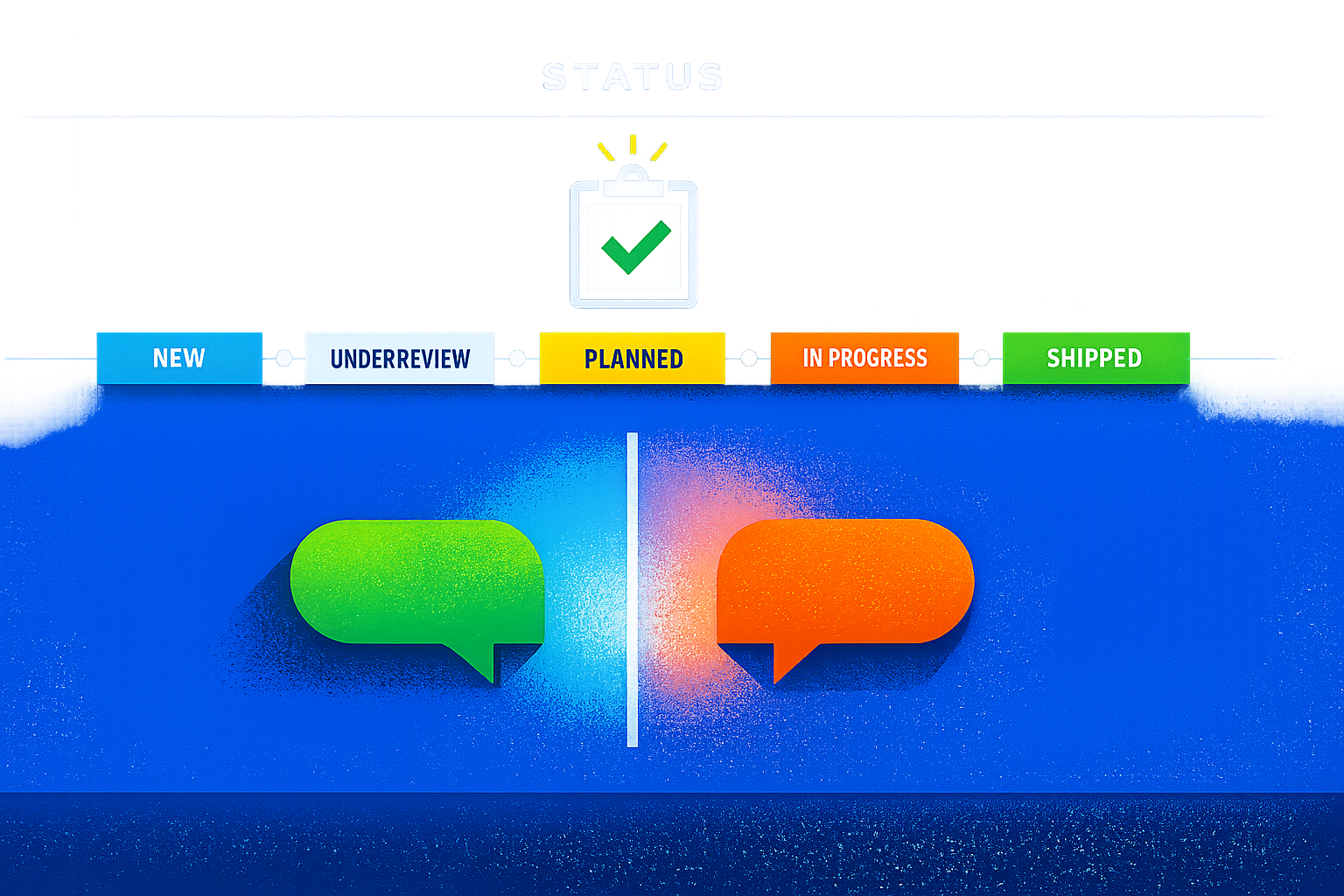
Most portals already show a status: “Planned,” “In Progress,” “Under Review,” “Closed.” The missing part is the explanation that sits behind the status and stays stable over time.
A feedback status page should answer four questions in plain language:
- What is the decision? (Accepted, Deferred, Rejected.)
- What is the scope? (What you will and won’t do.)
- Why this decision? (Tradeoffs, constraints, strategy.)
- What changes the decision? (Signals that would make you revisit it.)
That’s enough to be informative. It’s not a debate prompt.
Accepted requests need boundaries, not celebration
When you accept a request, the thread often explodes with follow-ups: “Can you also add X?” “Can you do it sooner?” “Will it support our workflow?” A good status entry prevents the scope from creeping.
Use an “Accepted” template that reduces follow-up questions
- Decision: Accepted
- Outcome: The feature is planned or in progress
- Scope notes: 2–4 bullets about what’s included and excluded
- Timing language: Avoid dates unless you mean them; use milestones instead
- Next step: How users will hear updates (release notes, email, portal updates)
If you publish release notes in the same ecosystem, it becomes easy to close the loop later. Platforms like canny.io are designed around that workflow: capturing requests, tracking status, and publishing updates without forcing the team to re-explain decisions in scattered threads.
Deferred requests need explicit revisit conditions
“Not now” is where comment wars start. People interpret silence as neglect, or they keep re-asking in new tickets. The fix is to make deferral a real decision with a revisit trigger.
Make “Deferred” mean “not scheduled, with conditions”
A strong deferred entry includes:
- Decision: Deferred
- Primary reason: Capacity, sequencing, missing dependencies, or strategy mismatch
- What would change it: Revenue threshold, segment demand, technical prerequisite shipped, regulatory requirement, or churn risk signal
- Current workaround: If one exists, keep it short and factual
This is also where segmentation matters. If you can say “High demand in SMB, low demand in Enterprise,” you stop the thread from turning into anecdote-versus-anecdote. If your intake is messy, standardizing it first helps; an issue intake contract for turning pings and tickets into a single prioritized backlog makes your later deferrals easier to defend because the inputs are consistent.
Rejected requests need a respectful “no” and a stable rationale
Rejecting is not the same as ignoring. The rejection should be clear, final (for now), and non-inflammatory. The mistake teams make is overexplaining or sounding defensive. That invites counterarguments.
What to include in a rejection without triggering a fight
- Decision: Rejected
- Reason category: “Doesn’t fit product direction,” “High complexity for limited impact,” “Better solved by integrations,” or “Conflicts with security/privacy model”
- Alternative: A supported workflow, integration path, or adjacent feature (if real)
- Revisit clause: Only if there is a legitimate condition that could change the answer
A rejection is often easier to accept when users can see you applied the same standard to everyone. That’s why the status page should use consistent reason categories across posts.
Design rules that keep the status page from turning into a forum
The page works when it becomes a reference, not a battlefield. A few guardrails make that happen.
1) Separate “decision updates” from “open discussion”
Let people comment, but keep decision updates as an official log entry. That can be a pinned update or a distinct “Team update” block that visually looks different from user comments.
2) Use structured fields so updates stay comparable
If every entry is freeform, you end up rewriting the same explanation 50 ways. Use a fixed structure (Decision, Why, Scope, Revisit conditions). That consistency is what reduces repetitive questions.
3) Don’t publish tentative internal debates
The status page is not a meeting transcript. Publish the decision and the reason, not the internal argument. If you need a clean internal record, build it separately; practices like an LLM-proof meeting notes playbook for redacting PII and PHI without losing searchability help teams keep internal context usable without oversharing sensitive details.
4) Avoid dates unless you can maintain them
Nothing creates more conflict than missed dates. Use “planned,” “next,” “after dependency X,” or “in discovery.” If you must give timing, tie it to a stable milestone and update it quickly when it changes.
5) Write in tradeoffs, not opinions
“We don’t like this idea” invites pushback. “This adds complexity to onboarding and impacts reliability goals” is a tradeoff. Tradeoffs end arguments because they acknowledge reality.
Operating the status page like a decision log
A lightweight decision log needs a lightweight cadence. The simplest operating model:
- Weekly: Triage new items into “needs clarification,” “under review,” or “duplicate.”
- Biweekly or monthly: Publish official decision updates for the highest-impact items.
- Per release: Convert “Accepted/In progress” items into a release note link and close the loop.
When feedback capture scales across support calls, sales calls, and tickets, the biggest failure mode is duplication and drift: the same request appears under different phrasing, and decisions get applied inconsistently. Tools with automation and deduplication—like Canny’s Autopilot features—help keep the status page aligned with reality because you’re not managing dozens of parallel threads manually.
What success looks like
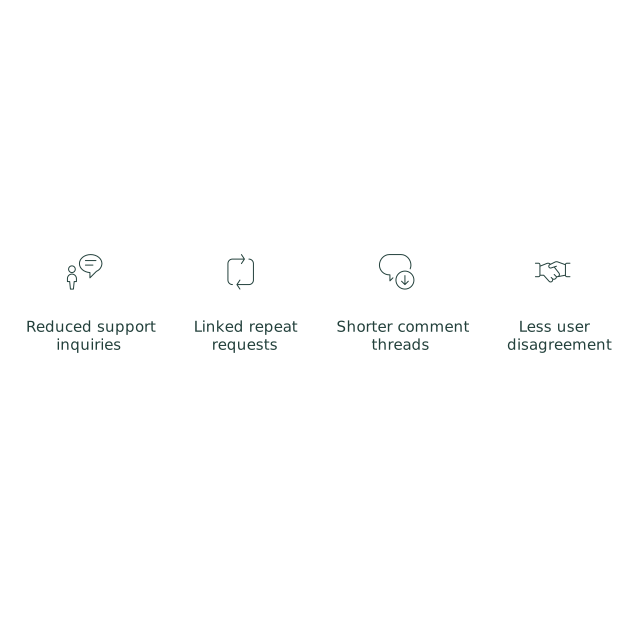
You’ll know the status page is working when:
- Support stops asking product for “what should I tell them?” in Slack.
- Repeat requests get linked to an existing decision instead of spawning new debates.
- Comment threads get shorter after a status update, not longer.
- Users disagree less often with the decision because they can see the constraints.
The point is not to eliminate feedback. It’s to make decisions legible—and to keep the portal from becoming an argument engine.